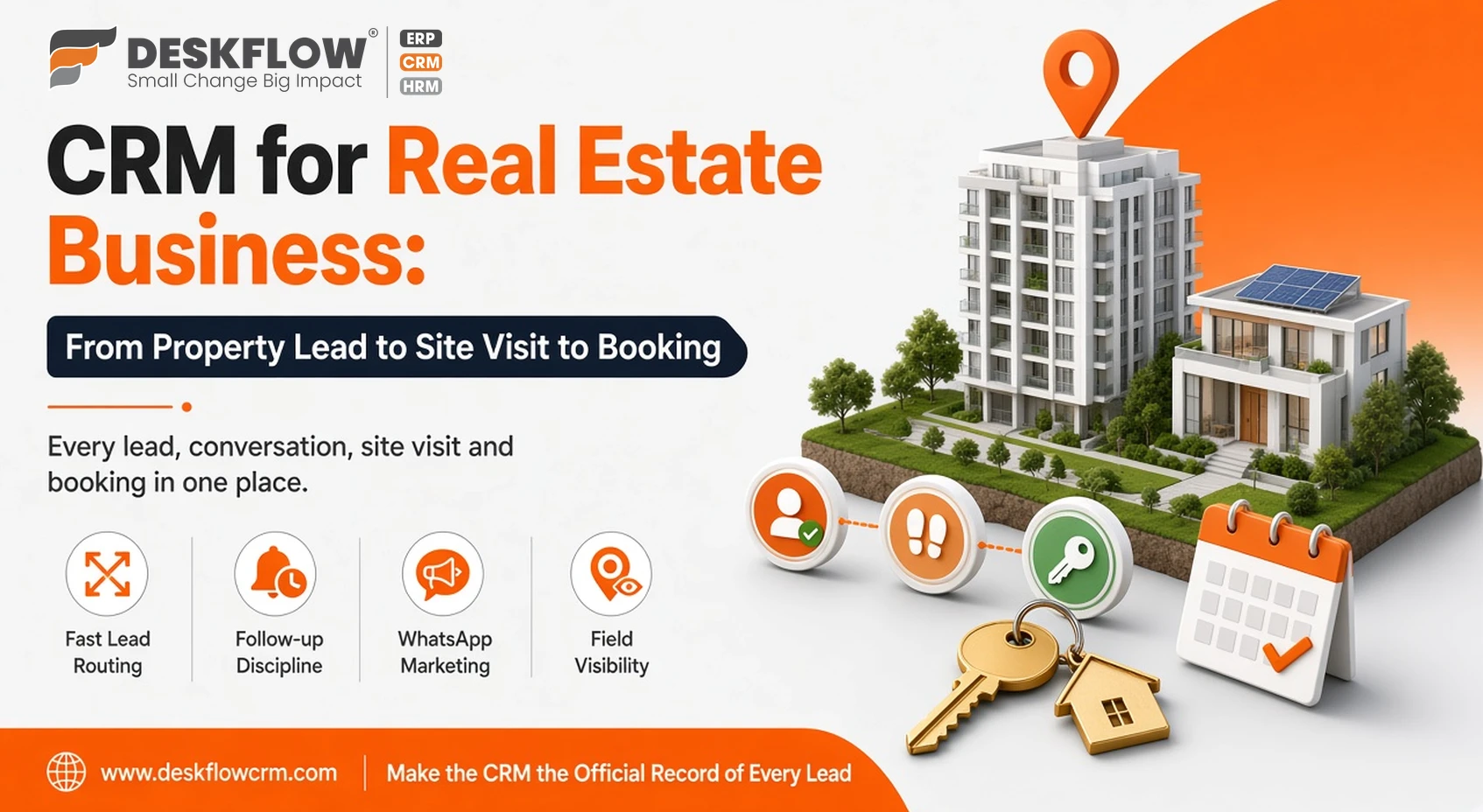
CRM for Real Estate Business: From Property Lead to Site Visit to Booking
Published by Deskflow CRM on 22 October 2026
Real estate sales are long, expensive and personal. A buyer might enquire today, visit the site next month and book only after three family discussions and a loan approval. Builders, brokers and channel partners spend heavily on ads and portals, yet many leads go cold simply because nobody followed up at the right moment.
A CRM for real estate business keeps every lead, conversation, site visit and booking in one place. This guide walks through the full journey. For product details, see our CRM for real estate page.
Why Real Estate Teams Lose Leads
- Leads spread across ad platforms, Google Sheets, calls and personal WhatsApp numbers.
- Slow first response, while the buyer is still comparing projects.
- No record of budget, location preference or configuration discussed.
- Site visits scheduled informally and never followed up.
- Leads leaving with a salesperson who quits.
The Real Estate Sales Journey in a CRM
| Stage | CRM action |
|---|---|
| Lead captured | Auto-import from Facebook lead ads, Google Sheets, website forms or click-to-WhatsApp ads |
| First contact | Assign to an agent and call within minutes; AI voice calling can qualify leads at scale |
| Requirement captured | Budget, location, configuration and purchase timeline in custom fields |
| Property shared | Brochures, floor plans and videos via WhatsApp catalog |
| Site visit | Scheduled with reminders; agent visits tracked with visit management |
| Negotiation | Quotation or cost sheet shared; follow-ups set |
| Booking | Deal marked won; payments tracked |
Features Real Estate Teams Use Most
Fast lead routing
Distribute new leads to agents by project or location so the first call happens quickly. Managers can see untouched leads in the inquiry list.
Follow-up discipline
Set the next action on every lead. Reminders and follow-ups make sure no prospect is forgotten between visits.
WhatsApp marketing
Announce new launches, price revisions and open-house events with WhatsApp broadcasts to opted-in contacts, and let an AI chatbot answer common questions about location, sizes and amenities at any hour.
Field visibility
With GPS location tracking and app-based attendance, managers know which site visits happened and when.
Channel partner and exhibition leads
At property expos, AI card scan turns visiting cards into CRM contacts instantly.
Reports That Guide Marketing Spend
- Cost and conversion by lead source
- Site visits per agent and visit-to-booking ratio
- Average time from enquiry to booking
- Lost reasons, such as budget, location or timing
Tips for Real Estate CRM Success
- Make the CRM, not personal phones, the official record of every lead.
- Use a fixed list of lead stages and lost reasons for clean reporting.
- Re-engage old leads when a new phase or project launches.
- Review the pipeline weekly with each agent.
Why Deskflow CRM for Real Estate
Deskflow CRM combines lead management, WhatsApp Cloud API tools, AI voice calling and field tracking in one platform with mobile apps for agents on the move. Read what customers say on our reviews page.
Questions to Ask Before Choosing a Real Estate CRM
- Can it import leads automatically from your main ad and form sources?
- Can agents work fully from a mobile app during site visits?
- Does it support official WhatsApp API messaging rather than personal numbers?
- Can you control which agents see which projects and leads?
- Will you own and be able to export your data at any time?
Deskflow CRM is cloud-based with Android and iOS apps, stores data on Indian cloud servers, and lets you export your data whenever you need it. Builders running several projects at once can also use access rights so that each sales team sees only the leads and inventory for its own project, while management sees the complete picture across all sites.