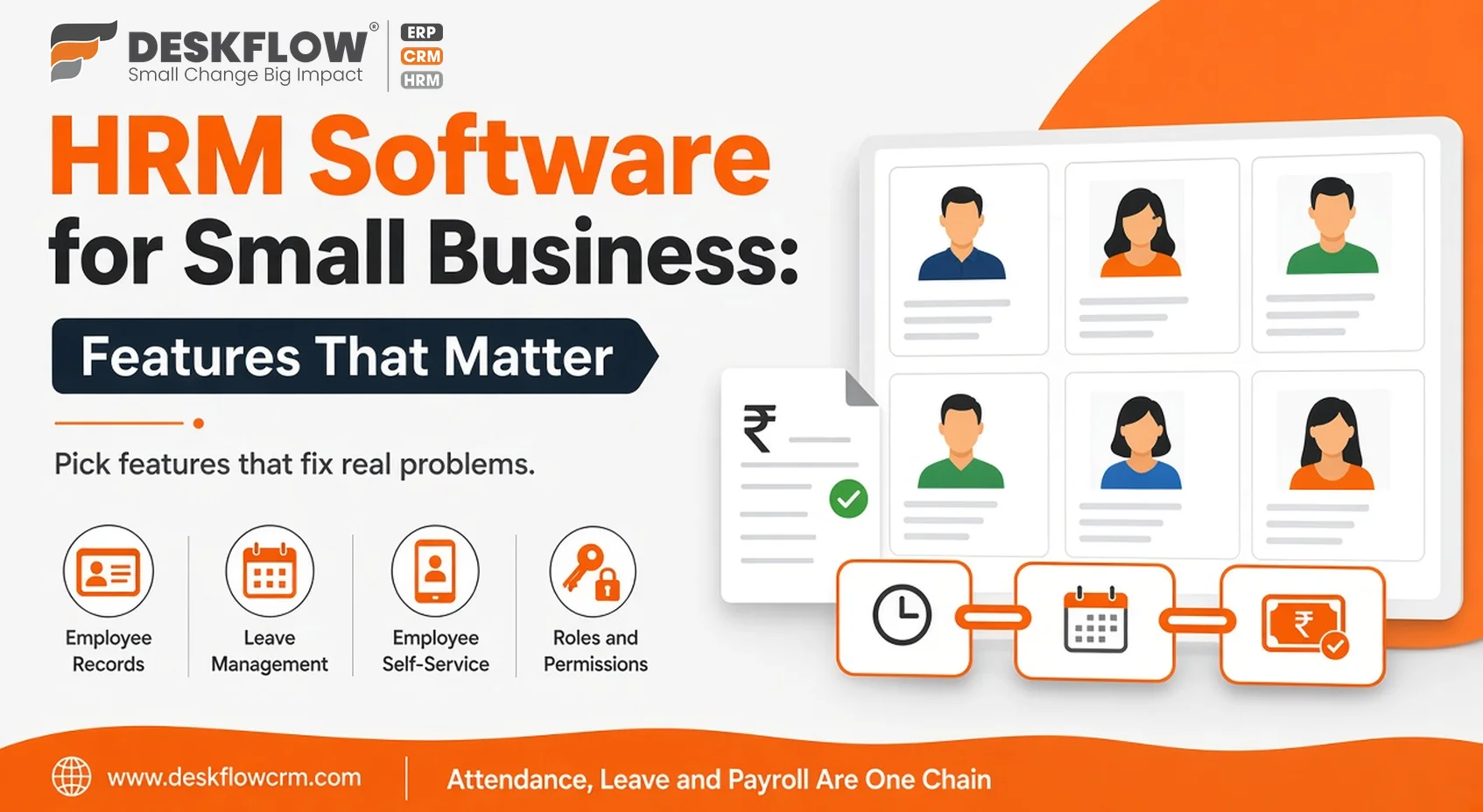
HRM Software for Small Business: Features That Matter
Most small business owners discover the limitations of manual human resource management through acute pain points: mismanaged attendance tracking, payroll compliance errors, or fragile spreadsheets that create single points of failure.
As you begin searching for HRM software for small business, vendor options can quickly feel overwhelming with feature-heavy platforms designed for enterprise-scale operations. Investing in software built for large organizations often adds unnecessary complexity and expense. The goal for a growing team is far simpler: identifying the core capabilities that streamline routine administration, protect compliance, and improve record accuracy. Below, we break down the high-impact HR features that eliminate workplace friction and outline when to upgrade your internal systems.
Do You Need It Yet?
Not every small business does. A spreadsheet can serve a very small team perfectly well. The signs that it’s time to move on are practical:
- Counting hours or days by hand now takes real time each month
- Leave balances are argued about, not looked up
- Payroll errors keep appearing, and fixing them eats an afternoon
- Staff work from several locations and nobody has a clear picture
- The person who understands the spreadsheet is a single point of failure
If two or three of those sound familiar, you’re probably ready.
The Core Features, in Order of Importance
1. Employee Records
Centralizing workforce data into a single secure repository replaces fragmented folders spread across local drives. Maintaining digital records for personal details, compliance documents, and job history ensures data integrity and instant administrative retrieval.
2. Attendance Tracking
Accurate logging captures daily shift hours, late arrivals, and unplanned absences. Automating timekeeping eliminates manual attendance sheets and provides objective time tracking for operational scheduling.
3. Leave Management
Visible leave balances, formal request workflows, and digital approvals prevent scheduling conflicts. A shared calendar gives management and employees complete transparency over upcoming staff availability.
4. Automated Payroll
Calculating baseline salaries directly from verified attendance and leave data streamlines month-end processing. The system automatically applies localized tax deductions, structural allowances, and generates itemized digital payslips.
5. Accounting Reports
Exportable monthly summaries deliver clean financial metrics directly to your accounting team. Pre-formatted reports streamline audit preparation, expense tracking, and payroll reconciliation.
6. Employee Self-Service
Self-service portals empower staff to check leave balances, submit time-off requests, and download payslips independently, significantly reducing repetitive administrative inquiries sent to managers.
7. Roles and Permissions
Granular access controls protect sensitive financial and personal data. Restricting view and edit rights ensures managers only access information strictly relevant to their specific supervisory duties.
Attendance, Leave and Payroll Are One Chain
These three features depend on each other. Attendance shows who was present. Leave explains who wasn’t and why. Payroll turns both into pay. Break the chain between tools and someone has to carry numbers by hand, which is exactly where errors creep in.
That’s why people so often search for attendance and payroll software as a pair. Whatever you choose, check how smoothly one feeds the next. DeskFlow CRM includes attendance management, which covers the first link in that chain. If you want to see how different attendance tracking methods work, that’s worth understanding before you pick one.
Features That Sound Clever but Rarely Matter at First
Performance review modules, recruitment suites, detailed analytics dashboards, and learning platforms look impressive in software demos, but most small teams do not need them in year one:
- Performance Review Modules: Formal appraisal frameworks and 360-degree feedback tools add unnecessary administrative overhead for lean teams.
- Recruitment Suites: Automated applicant tracking and candidate pipelines add platform cost long before high-volume hiring is required.
- Advanced Analytics Dashboards: Predictive turnover models and complex charts provide little practical value compared to basic time and payroll reports.
- Learning Management Systems: Built-in training portals and course libraries are rarely utilized when direct, informal onboarding works better.
Start with what removes friction today, and add the rest later if the business calls for it.
Questions for Any Vendor
- How are payroll rules set up for our location, and who keeps them current?
- Can staff use it on their phones?
- How is salary and personal data protected, and who can see it?
- Can we export our data if we leave?
- How long does setup typically take, and who does it?
Pay attention to how specific the answers are. Rules differ by location, so confirm payroll details with your accountant too.
Start With the Pain You Feel Most
You don’t have to switch everything at once. If attendance is a headache, begin there. If leave disputes cost you the most, start with leave. Get one area running well, let your team get used to it, and then connect the next. A gradual rollout nearly always beats a big-bang change.
Where DeskFlow CRM Fits In
DeskFlow CRM’s attendance management gives you a foundation for the attendance side. For leave and payroll, check each tool you’re considering against your own needs. Whatever you choose, the principle holds: pick features that fix real problems, not ones that merely look complete.