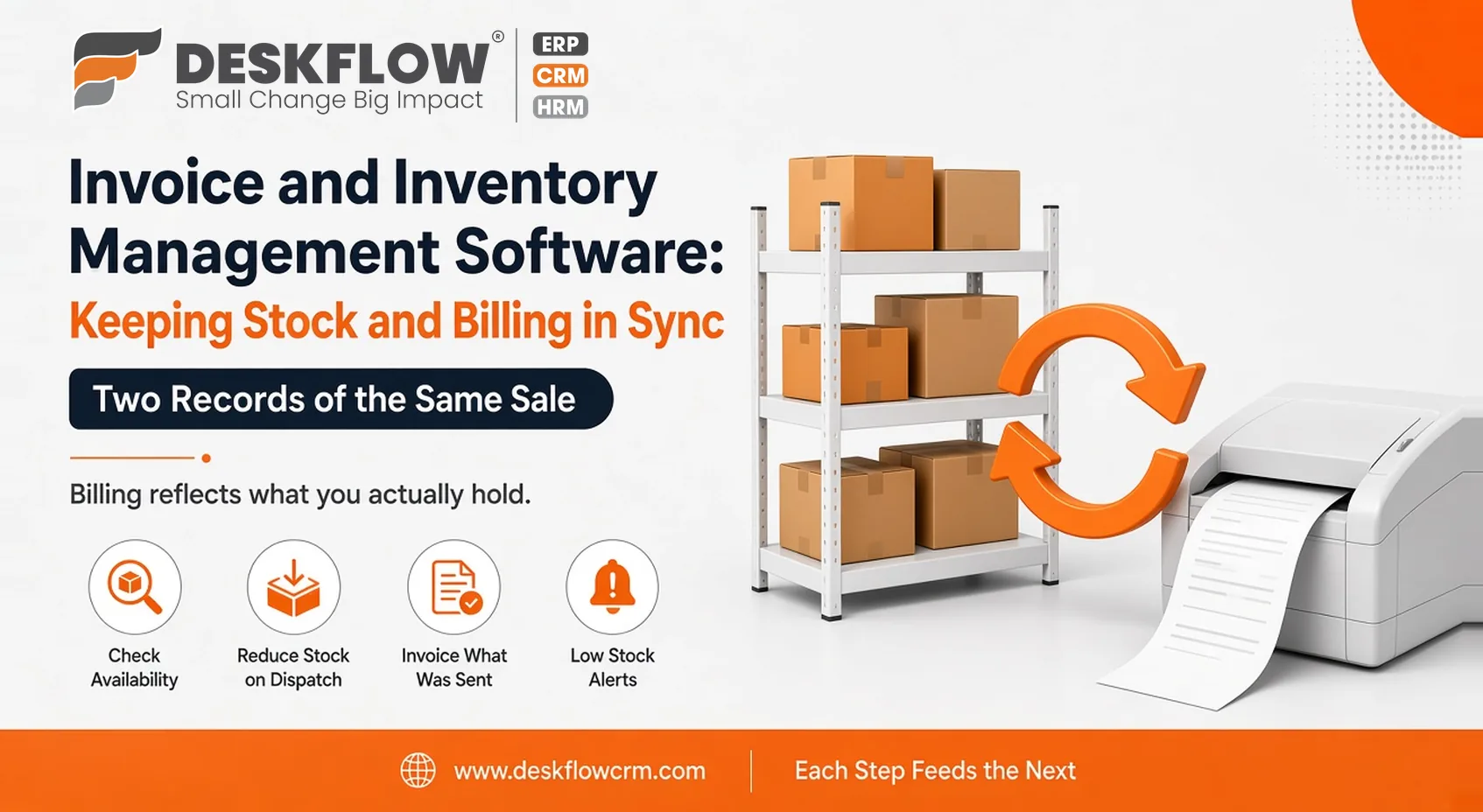
Invoice and Inventory Management Software: Keeping Stock and Billing in Sync
Published by Deskflow CRM on 29 October 2026
A customer places an order, your team confirms it from memory and an invoice goes out. Two days later someone discovers the stock wasn’t there. The customer is annoyed, the invoice needs correcting and nobody is sure which spreadsheet was right.
Problems like this usually have one cause: sales records and stock records live in different places, maintained by different people at different times. Invoice and inventory management software brings them together, so billing reflects what you actually hold.
This guide explains why the two belong together, how a sale moves through both and what to look for when you compare tools.
Two Records of the Same Sale
Every sale creates two kinds of information. One is financial: who owes what, and when it’s due. The other is physical: what left the shelf and what remains. When these are kept separately, someone has to carry facts from one to the other by hand, and every handoff is a chance for a mistake. A figure gets typed twice, a delivery is recorded in one place and forgotten in another, or an adjustment is made to the invoice but never to the stock sheet.
Keeping both in one system doesn’t make the business more complicated. It removes the copying, and with it a whole category of small errors that nobody has time to chase.
What Goes Wrong When They Live Apart
The pattern is familiar to most small traders and manufacturers. Invoices go out for goods that aren’t available. Stock counts drift because sales weren’t deducted. Quotes are prepared without knowing what can actually be delivered, so promises are made that the warehouse cannot keep. Month-end turns into a reconciliation exercise, with hours spent explaining why two sets of figures disagree.
There is a quieter cost as well. When nobody trusts the numbers, people stop using them. They start phoning the storekeeper, checking shelves by eye and keeping private notes, which defeats the purpose of having records at all. Fixing this doesn’t need sophisticated software. It needs a single place where a sale and its effect on stock are recorded together.
How Stock and Billing Touch Each Other
Follow a single order through your business to see how stock management and billing connect across every stage of the lifecycle.
1. Order Preparation and Availability
When a customer quotation or order is prepared, your system immediately checks real-time inventory levels to confirm product availability before confirming the sale.
2. Dispatch and Inventory Reduction
Once the goods are officially packed and dispatched to the customer, the system automatically reduces stock counts to reflect physical inventory movement.
3. Accurate Invoice Generation
An invoice is raised strictly for what was actually sent rather than the initial request, ensuring billing matches physical fulfillment during partial deliveries.
4. Payment Tracking
Payment is recorded directly against that specific invoice, keeping your accounts receivable up to date without manual cross-referencing.
5. Automated Reordering Triggers
When inventory levels dip below safe thresholds due to fulfilled orders, low stock alerts prompt timely decisions about reordering supplies.
Each step feeds the next. When the steps sit in one system, the numbers stay consistent without anyone reconciling them. When they sit in separate tools, every link in that chain becomes a manual task.
Partial deliveries make a good test. If you ship half an order today and the rest next week, the system should let you invoice and deduct stock for each part separately, without creating confusion about what is still owed.
Purchasing: The Missing Third Piece
Stock doesn’t replenish itself. Buying completes the loop, and it’s often managed in yet another place, such as a notebook or a chat thread. Purchase order management software covers that side: what you asked suppliers for, what has arrived and what you owe. When purchase orders connect to stock, receiving goods updates your inventory, and you can see what’s on its way before you promise it to a customer.
That visibility changes conversations with customers. Instead of “we’ll check and let you know,” your team can say when the next delivery is due. It also helps with cash, because you can see what you’ve committed to buy before the supplier invoices arrive.
Features Worth Looking For
Judge a tool on the basics before anything fancy:
- Clear stock levels that update as sales and purchases happen
- Invoices created from orders, without retyping
- A record of payments against each invoice
- Links between purchase orders and incoming stock
- Simple alerts when items run low
- Reports that show stock and billing side by side
- Access for the people who actually do the work, with sensible limits on who can change records
If any of these require workarounds, ask the vendor to show you the daily steps, not a feature list. Pay particular attention to corrections. Mistakes will happen, so check how easy it is to fix a wrong entry and whether the system keeps a trail of what changed.
Data Habits That Keep It Reliable
Software only reflects what you enter, so a few habits matter more than any feature. Record movements the same day, while memory is fresh. Use consistent item names and codes, so the same product doesn’t appear under three spellings. Count stock periodically and compare the count with the system, then investigate differences instead of quietly adjusting them. Agree who is responsible for corrections, and make sure the person who receives goods is the person who records them.
These disciplines cost little. Without them, even the best system slowly fills with doubt.
Reports That Connect the Two
The value shows up when you can ask questions across both sides. Which items sell fastest, and which sit unsold? Which customers pay late? Where do reorders keep arriving too late? How much money is tied up in slow movers? Look for reports that answer these directly, and check that your team will actually read them.
A report that needs an afternoon of exporting and formatting will be used once and then forgotten. Two or three clear views reviewed regularly will do more for the business than a dozen charts.
Rolling It Out in Stages
Don’t move everything at once. Start with a core set of items and customers, run billing and stock together for a few weeks and compare the system with reality on the shelf. Fix gaps in how people record things before adding more. Then bring in purchasing links, and finally reports.
A staged start keeps errors small, builds confidence among the people using it and gives you something concrete to show colleagues who are still sceptical. Keep the old method running in parallel only as long as you need to trust the new one, because running both indefinitely means double the work.
Where DeskFlow CRM Fits In
DeskFlow CRM includes purchase order management and quotation management, which cover the buying and selling sides around your stock and billing. You can review the complete list under DeskFlow CRM features, or ask the team which billing and stock capabilities apply to your plan.