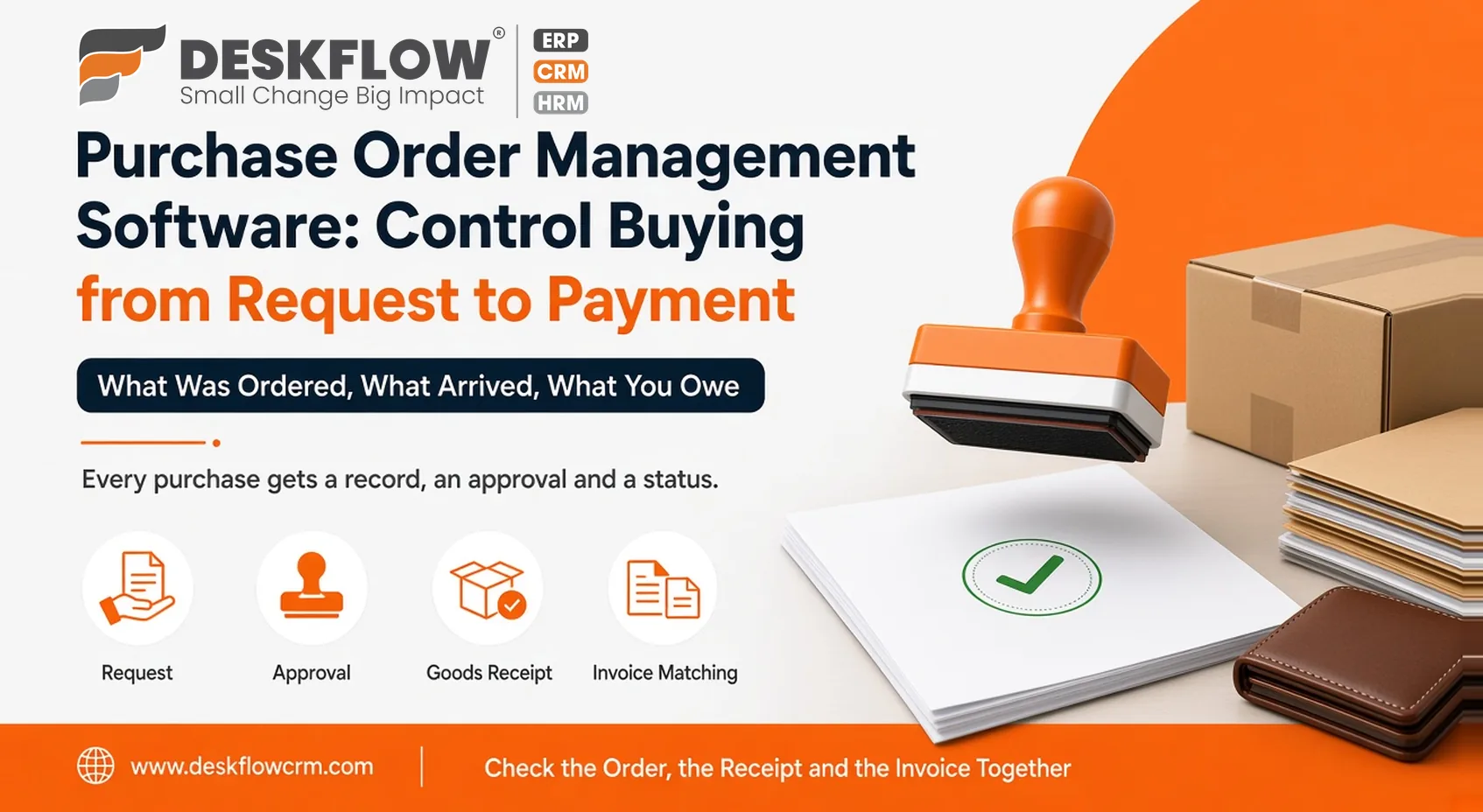
Purchase Order Management Software: Control Buying from Request to Payment
Published by Deskflow CRM on 29 October 2026
Buying is the part of a business where money leaves quietly. A request is made on a phone call, a supplier is chosen by habit, goods arrive without anyone checking them against the order, and the invoice turns up weeks later with a different total.
Purchase order management software puts structure around that chain. Every purchase gets a record, an approval and a status, so you know what was ordered, what arrived and what you owe.
This post explores how the workflow runs, where things usually go wrong and what to look for when you choose a tool.
The Purchase Order Workflow
A typical buying cycle has 6 stages, which should be taken into consideration:
1. Request and Requisition
The buying cycle begins when a team member identifies a business need and formally submits a request for materials, supplies, or equipment.
2. Authorization and Approval
The designated manager or department head reviews the request against operational needs and budget constraints to approve the purchase.
3. Purchase Order Issuance
Once approved, a formal purchase order is generated and transmitted directly to the chosen supplier to secure the required items.
4. Goods Receipt and Verification
The physical goods arrive at your facility and are thoroughly inspected and checked against the original purchase order specifications.
5. Invoice Matching and Validation
The supplier’s invoice is cross-examined against both the purchase order and the receiving logs to verify accuracy before processing.
6. Payment Settlement
The verified invoice is authorized and paid according to the agreed-upon terms, closing out the purchasing cycle.
Requests That Arrive in Writing
Informal buying starts with informal requests: a quick word in the corridor, a message in a chat group, a call to a favourite supplier. The first improvement is simply to move requests into one place. A short written request, saying what is needed, how much, by when and for what purpose, gives the approver something to judge and gives everyone else a record. It also surfaces duplicates, because two people asking for the same item becomes obvious when both requests sit in the same list.
Approvals That Fit the Business
Approval is where control lives. Decide who can approve what, and make it simple enough that purchases don’t stall. Many businesses use different approvers depending on the type or size of the purchase. A good system routes each request to the right person and keeps a record of the decision.
Avoid approval chains so long that people start buying around them. The goal is to give the business a sensible check, not to slow down the people who keep it running. If urgent purchases need a faster route, define that route openly instead of leaving everyone to improvise.
Keep a record of rejected requests too, with the reason. It saves repeated requests and makes the process feel fair to the people using it.
Supplier Records
Supplier details scattered across phones and inboxes cause repeated mistakes. A central supplier record holds contact details, past orders and notes on reliability. It lets you compare suppliers on what actually happened instead of what you remember. It also means a colleague can place an order without hunting for details, and that knowledge doesn’t leave the building when one person does.
Over time, these records answer useful questions. Which suppliers deliver on time? Which ones change prices after the order? Which are worth keeping when you have a choice?
Repeat Purchases and Standard Items
Most businesses buy the same things again and again: the same materials, consumables and spares from the same few suppliers. Keep a list of those items with agreed descriptions, units and, where useful, the usual supplier. Raising a repeat order then takes a minute, and mistakes in specification or quantity become rarer. A tidy item list also exposes oddities, such as the same product bought under three slightly different names at three different prices, which is often where quiet savings are hiding.
Tracking and Receiving
Once an order is placed, the question becomes where it stands. Is it confirmed, delayed, partly delivered or complete? Tracking status prevents chasing by phone and lets other teams plan around expected arrivals. At receipt, compare what arrived with what was ordered and record any difference straight away. Disputes are far easier to settle with a record made on the day.
Partial deliveries deserve a clear process. When half an order arrives, the system should show what is received and what is still pending, so nobody assumes the whole order is in or the rest has been forgotten.
Where possible, ask suppliers to confirm orders in writing and note the promised delivery date in the record. A promise that lives only in a phone call is hard to hold anyone to.
Matching Invoices and Payment
Invoices should match orders and receipts. When they don’t, you need to know before you pay. Checking each invoice against the original purchase order catches duplicates, wrong quantities and price changes. Recording payments against orders also tells you what’s outstanding, which helps manage cash.
Connected invoice and inventory management software extends this idea: received goods update stock, and bills line up with what you actually hold. Even without that, the habit of checking three things together, the order, the receipt and the invoice, prevents a surprising amount of overpayment.
Common Problems It Helps Prevent
- Purchases made without approval
- Duplicate orders to the same supplier
- Late deliveries nobody noticed
- Goods accepted without checking
- Invoices paid that don’t match the order
- No clear view of what the business has committed to buy
Each of these is a small leak. Together they add up, and because they’re small, they rarely trigger alarm until someone looks at the totals.
Reports Worth Having
Look for views that answer practical questions. How much is on order with each supplier? Which orders are overdue? What have we spent over a given period? Which suppliers deliver reliably? Reports are useful only if someone reads them, so keep them few and relevant. A weekly look at open and overdue orders is often enough to change behaviour.
Review overdue orders with the people who placed them, not just the buyer. Often the person who needs the goods knows more than the system does about whether a delay matters.
A Features Checklist
- purchase order creation without retyping details
- approval routing with a visible record
- supplier records with history
- order status tracking
- receipt recording against orders
- invoice and payment tracking
- links to stock and billing, where relevant
- access for the people who actually place orders
Ask vendors to demonstrate one purchase from request to payment, using your real examples, including an awkward one such as a partial delivery or a price change.