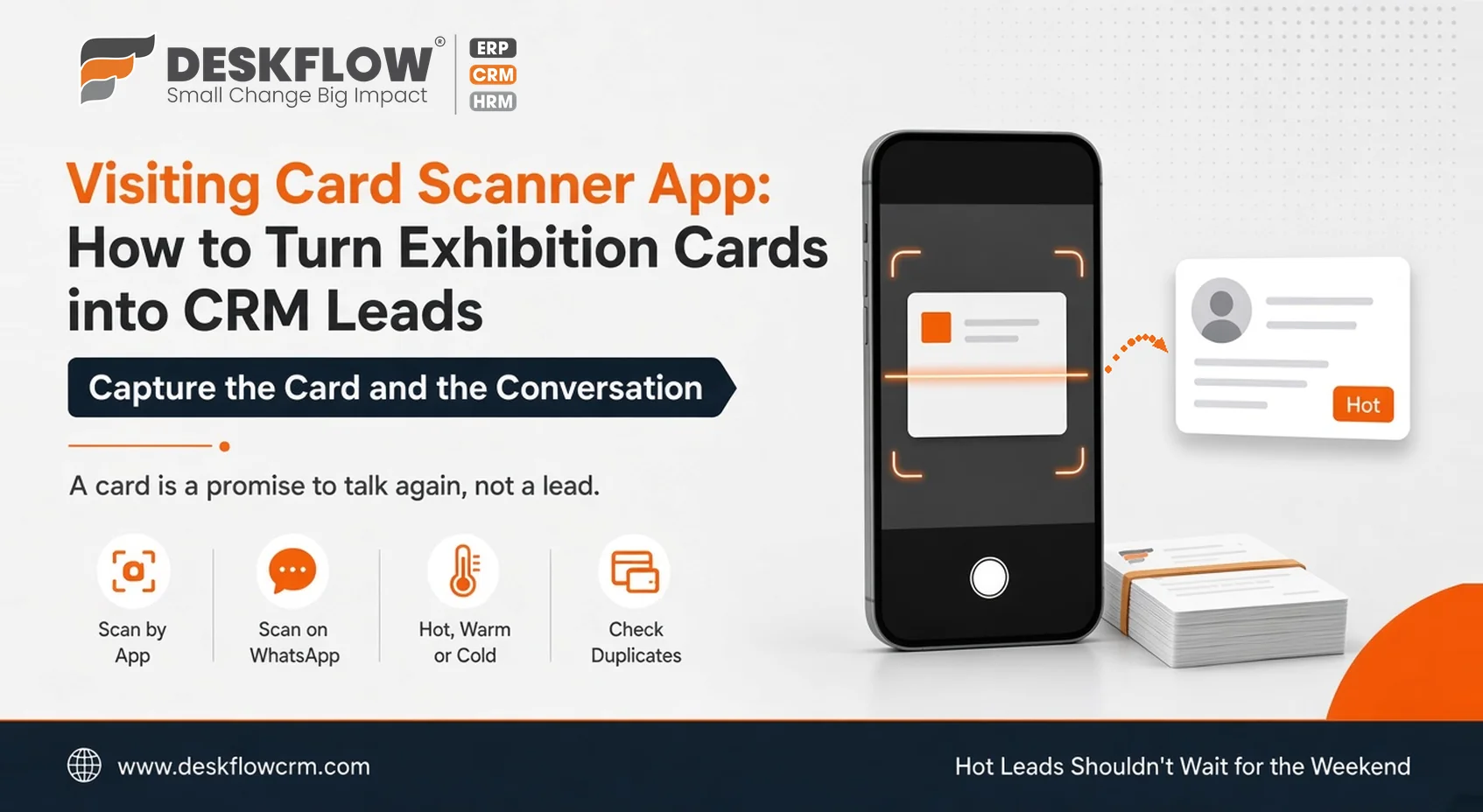
Visiting Card Scanner App: How to Turn Exhibition Cards into CRM Leads
It’s day three of the trade fair. Your jacket pocket holds a rubber-banded stack of visiting cards, some creased, a few with a scribbled note you can no longer decode. The plan is to sort them out when you get back. Then the week catches up with you, and the following Friday someone finally types them into a spreadsheet, one card at a time.
If you’re looking at a visiting card scanner app, you’re really asking a bigger question: how do I get these cards into my CRM quickly, accurately and with someone clearly responsible for each lead? Here’s the whole path, from preparing before the show to following up after it.
Why Visiting Cards Go Cold After an Exhibition
A card is a promise to talk again, not a lead. The trouble starts with the lag. The conversation at your booth was warm on Tuesday. By the time anyone follows up, the visitor has met a dozen other suppliers and half-forgotten yours.
Then there’s the missing context. Most cards carry a name and a number, and nothing about what the person asked for. A price? A sample? A plant visit? Without a note, your follow-up becomes a generic “nice to meet you.”
And often nobody owns the lead. Three people met the same buyer, each assumed someone else would call. For a business that sells through dealers and fairs, a CRM for manufacturers is where these contacts should end up, with a name beside each one.
What a Visiting Card Scanner App Actually Does
The idea is simple. You photograph the card, the app reads the text, sorts it into fields such as name, company, designation, phone and email, and saves it as a contact or a lead. No retyping.
What’s easier to miss is where the card ends up. A card saved to your phone contacts is just a name in a list. Nobody else on your team can see it, and nothing reminds you to call. A card saved as a lead in a CRM sits in a pipeline, with an owner, a status and a next step.
So what you want is a business card scanner to CRM path, not just a scanner. Once the lead exists, it needs somewhere to be worked, which is what inquiry management is for, and the wider habit of tracking every prospect is lead management.
Scanning by App vs Scanning on WhatsApp
There are two common ways to capture a card, and they suit different people.
A dedicated mobile app is built for speed. Open it, point, scan, next. At a booth with a queue of visitors that’s hard to beat. The trade-off is one more app to install and learn on every staff phone.
The other route is sending a photo of the card to a WhatsApp number. People search for ways to “scan visiting card on WhatsApp” for a reason: everyone already has WhatsApp, so there’s nothing new to install. The trade-off is that you rely on photo quality and a steady connection.
Some tools, including DeskFlow’s AI visiting card scan, offer both routes, so each person can use whichever they’ll actually stick with.
Before the Show: Set Up So Every Card Lands in the Right Place
Ten minutes of setup saves hours of cleanup. Before you pack the brochures, agree on a few basics:
Fields
What you need on every lead, such as name, company, phone, email and product interest. Defining mandatory data points prevents team members from saving incomplete contact entries during peak booth traffic. It also ensures your sales team receives all the necessary context to qualify leads immediately after the event.
Source Tag
One label for every card from this event, such as the fair’s name and year. Applying a consistent event tag automatically categorizes incoming contacts within your CRM or database. This makes it effortless to track return on investment and run targeted post-show email campaigns tailored specifically to attendees of this exhibition.
Ownership
Who follows up on which kind of lead, by product line or region. Establishing clear handoff rules ahead of time prevents leads from sitting unassigned or receiving duplicate outreach from multiple reps. When every team member knows exactly which account profiles belong to them, post-event response times improve significantly.
A Test Run
Scan five real cards, including your messiest, and see what the app gets right. Testing cards with unusual layouts, stylized fonts, or faint print helps you catch software recognition errors before you get to the exhibition floor. It also gives your booth staff a quick opportunity to practice editing misread details on the fly.
Batteries
Charged phones and a power bank. A dead phone at a busy booth costs you leads. High-volume scanning and continuous screen use quickly drain mobile batteries during long event hours. Keeping a high-capacity power bank and spare charging cables at the booth ensures your team captures contacts uninterrupted all day.
At the Booth: Capture the Card and the Conversation
Scan the card as the conversation ends, while the details are fresh. Then add one line on the spot: what the visitor asked about, whether they want a quote, whether a demo or plant visit came up. That line is what makes your follow-up sound like you remember them, because you do.
Add a quick temperature too. Mark each lead hot, warm or cold. Hot means they asked for a quote or a visit. Warm means real interest without a deadline. Cold means a pleasant chat.
At the end of each day, bulk-scan whatever’s left, including cards collected by colleagues. Don’t let a day’s cards sit overnight in a pocket.
Check Accuracy and Duplicates Before You Trust the Data
Text-reading tools often misread stylized fonts, complex logos, multi-language text, or dual phone numbers.
Always verify extracted data against the physical card image before proceeding. Prioritize checking phone numbers and email addresses, as a single typo breaks future communication.
Finally, eliminate duplicate records caused by repeat booth visits or interactions with multiple team members. Merge entries using phone and email matching to keep all notes consolidated on one complete contact profile.
After the Show: A Follow-Up Plan That Actually Happens
Exhibition lead management comes down to this stage. Start with the leads that asked for something: quote requests first, then demos and plant visits. Trade show lead follow-up is won or lost early, so hot leads shouldn’t wait for the weekend.
Reach out quickly via email or WhatsApp, referencing your booth conversation. Use a shared team inbox to manage incoming replies centrally rather than on individual phones.
Schedule second-touch reminders promptly, as single messages rarely close deals. Once a requirement is confirmed, send your quote and advance the lead in DeskFlow CRM, filtering reports by event tag to evaluate exhibition ROI.