All-in-One Business Management Software: Signs It's Time to Switch and How to Do It
Published by Deskflow CRM on 30 October 2026
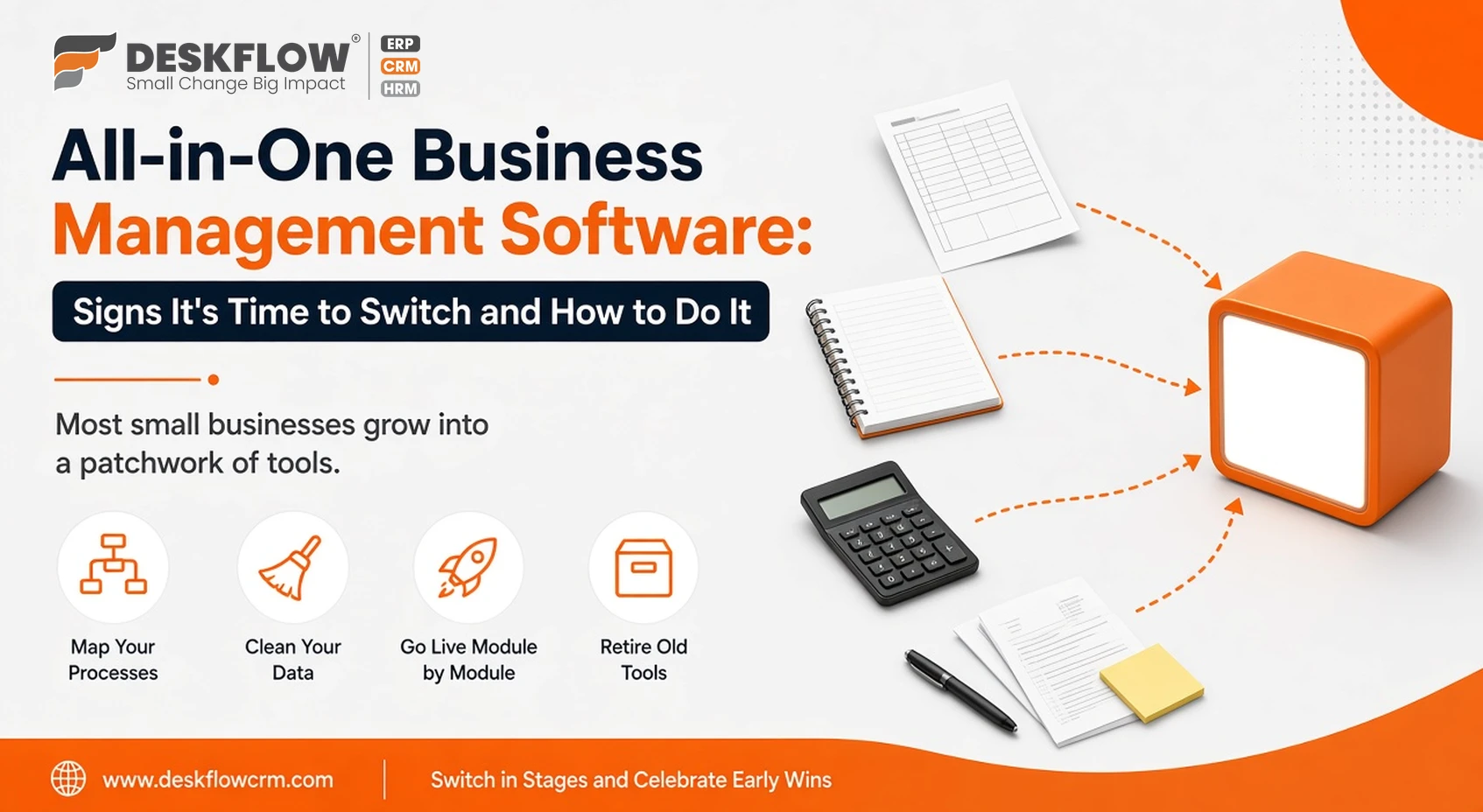
Most small businesses grow into a patchwork of tools: Excel for leads and stock, WhatsApp for customer chats, a billing app for invoices, a separate attendance app and plenty of notebooks. Each tool works on its own, but together they create duplicate data, missed follow-ups and owners who spend evenings piecing reports together.
We have already covered what all-in-one business management software should include. This article focuses on timing: the signs it is time to switch and a practical plan to do it without disruption.
Signs You Have Outgrown Separate Tools
- The same customer details are typed into three different places.
- Follow-ups depend on someone remembering.
- You cannot see today's sales, pending orders and stock in one view.
- Staff attendance and expenses are reconciled by hand each month.
- Customer history leaves when an employee leaves.
- Monthly reports take days to prepare.
If three or more of these sound familiar, consolidation will likely save time and money.
What Typically Gets Replaced
| Current tool | All-in-one module |
|---|---|
| Excel lead sheets | Inquiry management and follow-ups |
| Word or Excel quotes | Quotation management |
| Separate billing app | Orders and sales invoices |
| Stock registers | Inventory management |
| Attendance app or register | Attendance management |
| Personal WhatsApp | WhatsApp Cloud API with shared inbox |
What Usually Stays
Specialised accounting software often remains for statutory accounts, connected where possible. Deskflow offers an integration add-on with Cloud Miracle accounting software. See CRM vs ERP to understand which tasks belong where.
A Five-Step Switching Plan
- Map your processes: write down how an enquiry becomes an order, an invoice and a payment.
- Clean your data: remove duplicates from customer, product and price lists.
- Import and configure: load data from Excel and set up stages, products and users.
- Go live module by module: start with leads and quotations, then orders and invoices, then HR.
- Retire old tools: stop using the old sheet once the new module is working, so data does not split again.
Keeping the Team on Board
- Explain how the new system removes their daily frustrations.
- Train each role only on what it needs.
- Use the mobile app for staff who are rarely at a desk.
- Make the owner the first daily user.
Deskflow provides onboarding sessions and software training.
What to Look for in the Software
- Modules you need now, with room to grow
- Mobile apps and cloud access
- Third-party lead and WhatsApp integrations
- Clear pricing as users increase
- Data export if you ever leave
Deskflow combines WhatsApp, CRM, HRM, invoicing, production and AI in one platform. See all features.
Before and After: A Typical Small Business
| Task | Before | After |
|---|---|---|
| New enquiry | Noted in a diary or WhatsApp | Auto-captured and assigned |
| Quotation | Built in Word, emailed | Created from price list, shared on WhatsApp |
| Stock check | Call the godown | Live inventory view |
| Salary | Register and calculator | Generated from attendance |
| Monthly report | Two days of spreadsheets | A few clicks |
How Long Until It Pays Off?
Most businesses see benefits within the first few months as follow-ups improve and manual reporting disappears. The biggest gains come once the team stops keeping parallel records.
Common Worries, Answered
- "My team is not tech-savvy." Start with the mobile app and two or three simple tasks.
- "We will lose data." Import existing lists from Excel and keep the old files as backup.
- "It is too expensive." Compare it with the total cost of the tools it replaces.
Most importantly, switch in stages and celebrate early wins with the team, such as faster quotes or quicker salary processing.