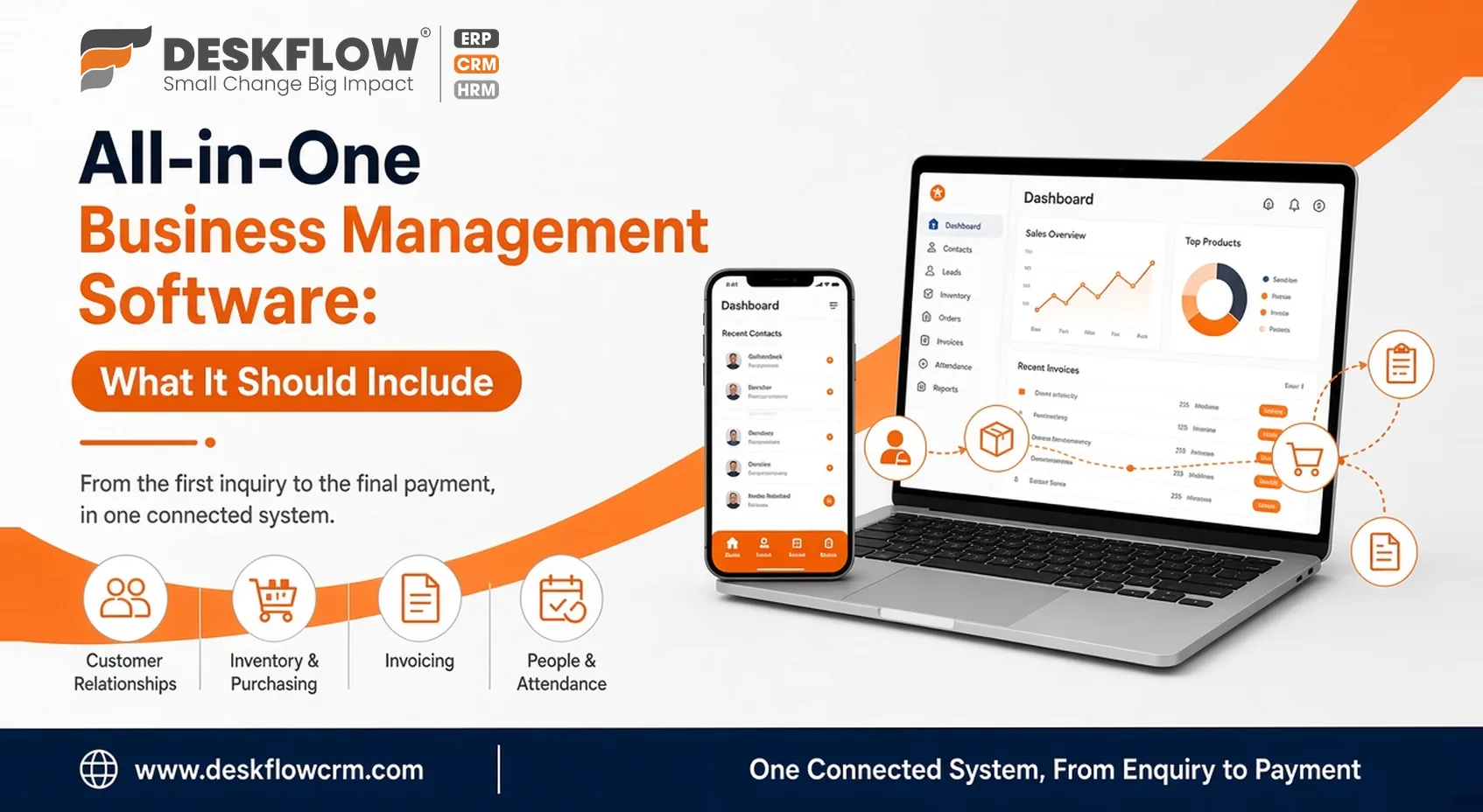
All-in-One Business Management Software: What It Should Include
Plenty of businesses end up with a patchwork. One tool holds the leads, a spreadsheet tracks stock, orders live in chat threads, and attendance sits in a register by the door. It all works until someone asks a simple question, like where a customer’s order stands, and the answer needs three people and four windows.
That’s usually when all in one business management software starts to look appealing. It’s also when buyers get misled, because the phrase is used loosely. This guide covers what such a platform should include and how to judge one, so you can compare options on substance and not on the length of a feature list.
What “All-in-One” Should Actually Mean
It shouldn’t mean every feature imaginable. It should mean the everyday work of your business, from the first inquiry to the final payment, runs through one connected system instead of several disconnected ones.
Connected is the word that matters. A product with ten modules that don’t share information is really ten tools with a single login. A smaller platform where an inquiry becomes an order and then a bill, without anyone retyping a thing, is often worth more than a bigger one that doesn’t.
Four Business Areas Worth Checking
Most small and mid-sized businesses touch these four. You may not need each one in depth, but you should know where each stands in any product you consider.
Customer Relationships
Enquiries, follow-ups, conversation history and who owns which lead. The test is simple: can a new team member open a customer’s record and understand the story in a minute or two? If the history is scattered across personal phones and inboxes, the system hasn’t solved the problem it was bought for.
Inventory and Purchasing
If you hold stock or buy materials, you need to see what you have, what’s been ordered and what’s already promised to customers. Ask whether the platform covers purchasing and stock itself or leaves them to another tool. DeskFlow CRM has a page on purchase order management if you want to see what it offers in this area.
Invoicing
Billing is cleanest when it grows from the order instead of starting from a blank page. Check whether an invoice can be traced back to the enquiry or order behind it, since that link settles most payment disputes before they begin.
People and Attendance
Managing attendance, leave, and working hours takes real administrative time every month. DeskFlow’s attendance management features streamline these daily tracking processes and simplify your workforce operations
Why Connections Matter More Than Modules
Here’s a way to see through any feature list. Pick one real transaction from last month and trace it: an enquiry, a quote, a confirmation, a purchase, a delivery, a bill. At each step, ask whether the information moved by itself or whether a person carried it across.
Every manual handoff is a place for mistakes. A demo that shows one module at a time can hide this completely, because each screen looks fine alone. Ask the vendor to walk through one full journey, using an example from your own business, and watch what happens between the screens.
A Simple Example of a Connected Workflow
Imagine a small trading business. A customer messages asking for a quote. Someone replies, notes the request in a sheet, and later checks stock by calling the store. The order is confirmed on a call, the purchase for missing items is raised on paper, and the invoice is typed from memory a week later.
Now count the places where something could go wrong: the sheet, the call, the paper, the memory. A connected platform doesn’t remove the work, but it removes the carrying. The request, the stock check, the purchase and the bill all refer to the same record. That’s the real benefit of the all-in-one idea, and it’s the thing worth testing in a demo.
How to Evaluate a Platform
Start with your problems. List the three most irritating things in your current routine. Lost enquiries, stock surprises and month-end attendance arguments are common examples. A good platform should deal with your three before it dazzles you with the rest.
- Use your own data. Ask to load a sample of your real customer, product or staff records. Messy real data shows how a system behaves under ordinary conditions, which a clean demo never will.
- Think about daily use. The best system on paper fails if your team avoids opening it. Try it on the devices your people actually use, including phones if they work away from a desk, and ask two or three of them what they think.
- Check the communication side. If your team talks to customers over WhatsApp, ask how those conversations connect to customer records. DeskFlow’s site has WhatsApp-related pages, so read those for what’s offered.
- Ask about field work. If staff travel to customers, ask how visits or locations are recorded. DeskFlow’s pin-to-pin location tracking page covers its approach.
- Ask about growth and exit. Can you add users or change fields later without starting over? And if you ever leave, can you take your data with you in a usable format?
Setting It Up Without Disruption
Even a well-chosen platform can disappoint if the rollout is rushed. Some general habits help. Move one area at a time instead of everything on the same Monday. Clean your customer and product lists before importing them, since duplicates and old entries only multiply in a new system. Decide who owns each part of the data, so someone is responsible when records go stale. And give your team a short period where the old method and the new one run side by side, so nobody panics when they can’t find something.
Training matters more than most buyers expect. A one-page guide covering the five tasks people do daily will do more than a long manual nobody opens.
Where Production Management Fits
If you make things, production comes into the picture, and claims vary the most here. Searches for production management software for SMB usually mean planning what to make, tracking materials, and knowing where an order stands on the floor.
Production needs differ widely between, say, a bakery, a fabrication shop and a packaging unit. So don’t accept a general “yes, we cover production.” Ask which exact steps the product handles and compare them with how your floor really runs. If a platform doesn’t cover your process, it’s far better to learn that before you sign.
Red Flags to Watch For
- Vague answers on what’s included and what costs extra.
- A demo that never leaves a polished sample dataset.
- No clear way to export your data if you leave.
- Features described in broad terms but never shown on screen.
- A vendor who never asks how your business works.
Where DeskFlow CRM Fits In
This article is a general guide, not a product description. For what DeskFlow CRM actually offers, use its own pages: inquiry management, purchase order management, attendance management and pin-to-pin location tracking.
Compare what’s listed there with your checklist, and note which needs, such as invoicing or stock, you’d want to confirm directly.
For more on choosing, see free CRM vs paid CRM and the best CRM software for small businesses in India in 2026.