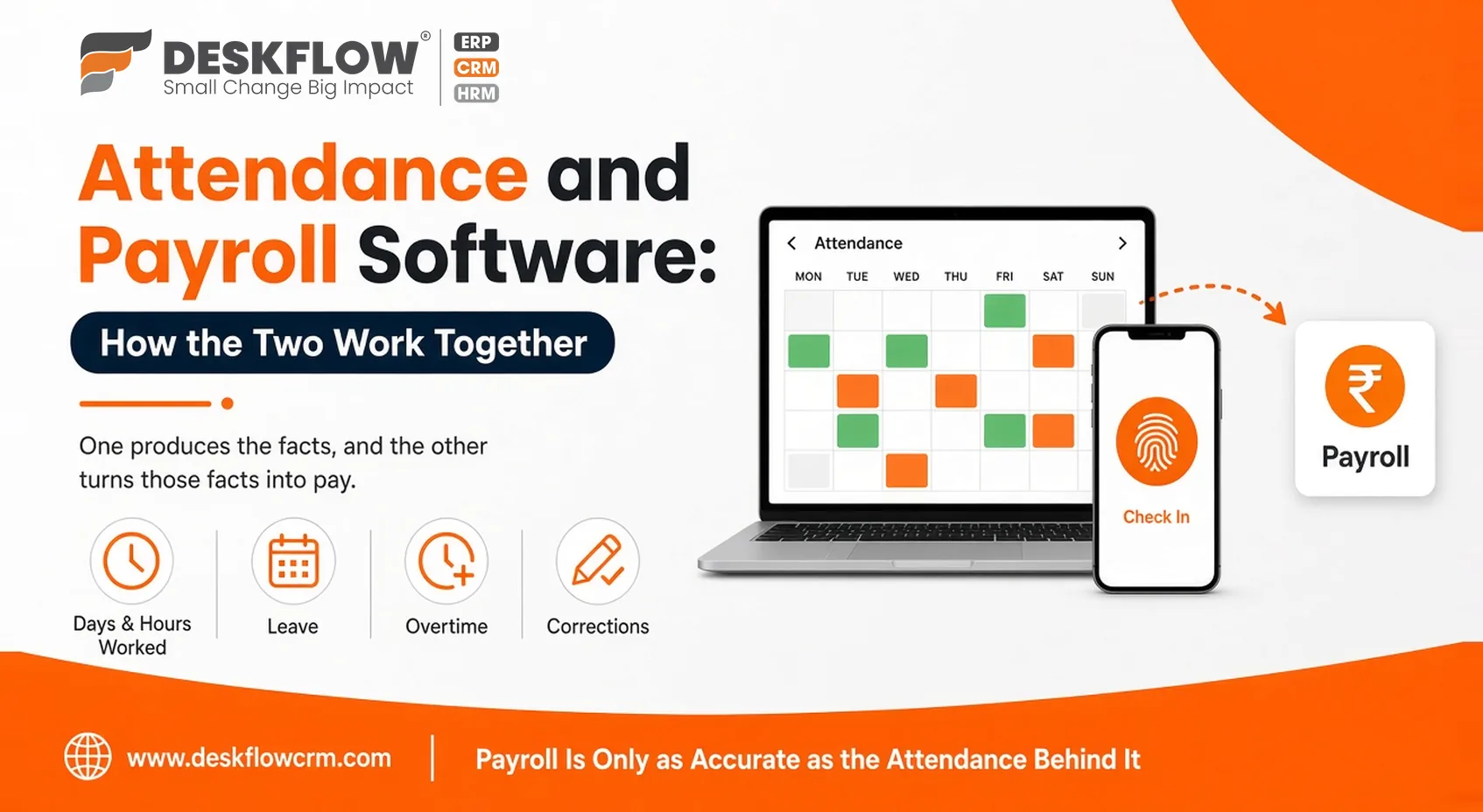
Attendance and Payroll Software: How the Two Work Together
Month-end often follows the same routine. Someone opens a register, a spreadsheet or a thread of messages and tries to work out who was present, who took leave and who stayed late. Only after that does the salary calculation begin. If the attendance side is shaky, payroll will be wrong however good the calculator is.
That’s the idea behind attendance and payroll software. They aren’t two unrelated jobs. One produces the facts, and the other turns those facts into pay. This guide shows how the handoff works, where it tends to break, and what to look for in a setup.
Start With Reliable Attendance Records
Payroll is only as accurate as the attendance records behind it. So the real question isn’t “how do we calculate salary?” but “how do we capture a trustworthy record of who worked when?”
An employee attendance tracking app helps because it records the moment someone checks in, instead of relying on memory at month-end. A supervisor filling in a week’s register on Friday is where many disputes begin, because everyone remembers the week slightly differently. A timestamped entry is much harder to argue with, and it spares managers the awkward job of settling who is right.
Why Manual Tracking Falls Short
Paper registers and spreadsheets aren’t wrong, they’re just fragile. A register can be lost or damaged. A spreadsheet can be overwritten, or edited by the wrong person without anyone noticing. Totals get added up by hand, and hand-added totals carry small errors that only surface when an employee questions their payslip.
The bigger cost is time. Collecting sheets from different supervisors, chasing missing entries and reconciling leave notes can take days of someone’s month. When that effort is repeated every cycle, it quietly becomes one of the most expensive routines in the business, even though no invoice ever shows it.
Five Handoffs From Attendance to Pay
Think of five pieces of information that must travel from one side to the other.
- Days and hours worked: Present, absent, half-day, late. In most arrangements, this forms the base of pay.
- Leave: Different leave types can affect salary differently. If approvals live in emails or chats instead of the same system as attendance, someone must reconcile them by hand, which is where double counting and missed deductions creep in.
- Overtime: Extra hours need a clear rule: who approves them, how they’re counted and when they’re paid. The attendance record must capture the extra time cleanly, or payroll has nothing solid to work from.
- Late marks and short days: If your workplace has rules about late arrival or early exit, the system should apply them the same way to everyone, instead of leaving it to each manager’s judgment.
- Corrections: People forget to check in, phones die, shifts run past midnight. A good setup lets staff request a correction and managers approve it, with a visible record. Without that, changes happen inside conversations and nobody can later explain why a number moved.
If any of these five lives outside the system, month-end becomes an investigation.
Tracking Attendance for Field Teams
Not everyone works in the office. Field staff and visiting teams spend their day elsewhere, so a punch at the front door tells you little about them. For these teams, it’s worth asking how a product records visits or locations. DeskFlow CRM has a page on pin-to-pin location tracking where you can read what it offers for field movement.
If your workforce is mixed, also check how the same system treats office and field staff, since their rules often differ. A field employee’s day can’t be judged by the same start time as someone at a desk, and your policy should say so clearly before any software enforces it.
Compliance Basics to Keep in Mind
Rules on working hours, leave, overtime and record-keeping vary by country, state and industry, and they change. No single article can tell you what applies to your business. A few habits help almost everywhere, though:
- Keep retrievable records: If an auditor or employee asks for attendance history, you should be able to produce it quickly.
- Write down your policies: Leave types, working hours, overtime and late rules should exist in a document staff have seen.
- Apply rules consistently: Uneven treatment causes more trouble than strict rules do.
- Keep a trail: Know who changed an entry and when.
- Ask a professional: For specific legal duties, such as statutory deductions, consult an accountant or labour compliance advisor.
Software can make good habits easier to follow, but it can’t replace knowing your obligations.
Questions to Ask Before Choosing
- Can attendance flow into payroll without re-entry? If anyone exports a file and retypes figures, the link is weaker than it looks.
- How are leave requests handled? Look at the full path: request, approval, and the effect on attendance and pay.
- What happens when someone forgets to check in? The answer shows how mature the system is.
- Who can see what? Managers seeing their own team’s data, but not everyone’s, matters for privacy.
- Will staff actually use it? A tool people find annoying gets bypassed, and bypassed tools produce gaps. Try it on a phone with a few real employees.
- What reports does it give? Monthly summaries, late arrivals and leave balances should be readable without a data analyst.
Rolling Out Attendance Tracking Fairly
Introducing attendance software changes daily habits, so how you announce it matters. Tell staff what is being recorded and why, show them how to correct a mistake, and apply the same rules from the same date to everyone. People accept tracking far more readily when they can see that it protects them from errors in pay as much as it helps the company.
A short trial month, where records are reviewed but pay isn’t yet affected, can reveal gaps in your policy before they cost anyone money.
Where DeskFlow CRM is the Right Choice
DeskFlow CRM has an attendance management page describing its attendance features. This article stays general on purpose, so use that page for specifics, and check directly with DeskFlow whether it covers the payroll side you need. If you’re comparing broader platforms, our guide to all in one business management software shows where attendance sits alongside customer, stock and billing tools.