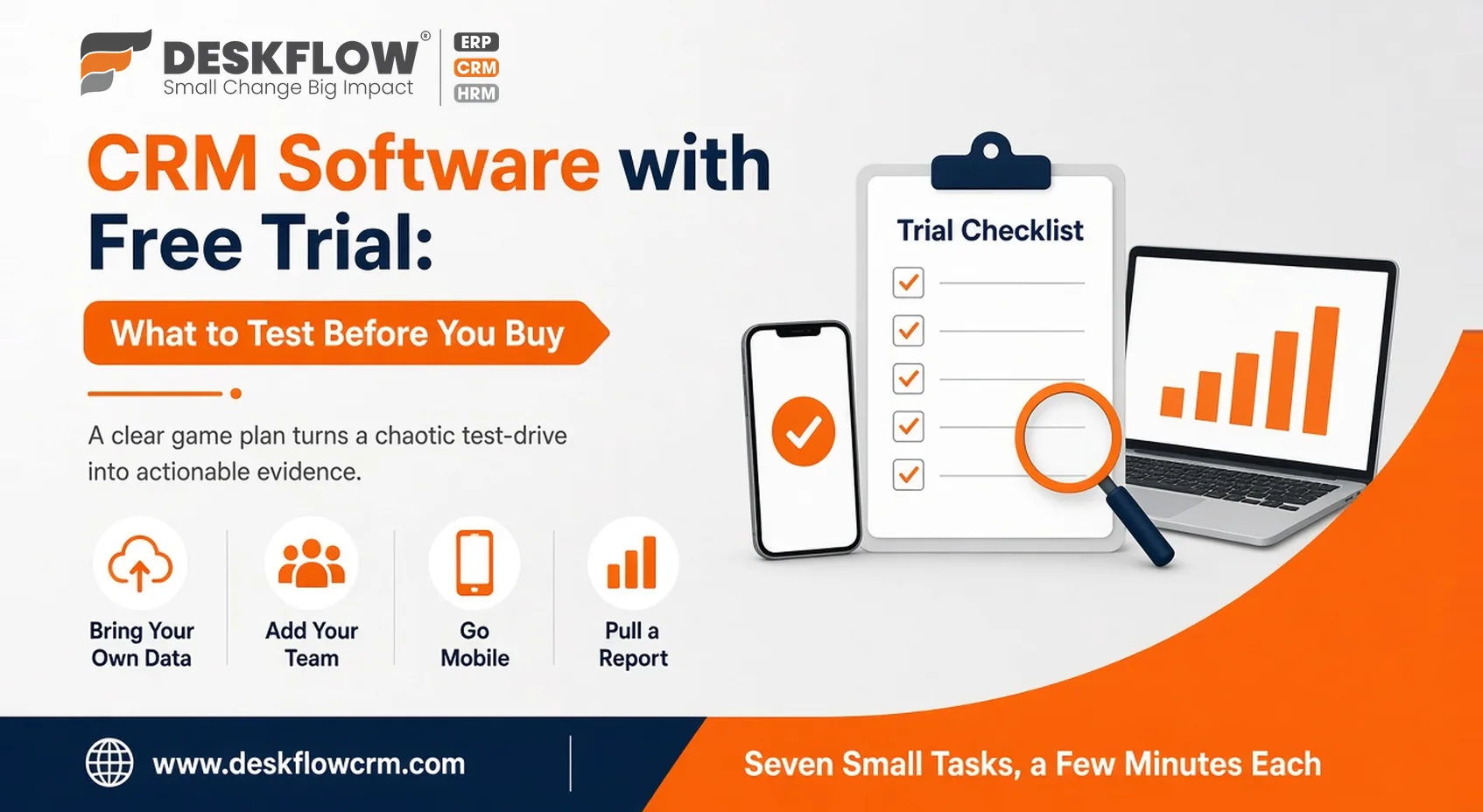
CRM Software with Free Trial: What to Test Before You Buy
A free trial sounds like a risk-free win. In reality, the risk is subtler—and quieter. The clock ticks down while you idle through meaningless demo data, and before you’ve even mapped the menu, your access expires. Countless teams wrap up a trial without discovering a single insight they couldn't have pulled from the homepage.
If you’re preparing to test CRM software with free trial access across multiple vendors, winging it won't cut it. A clear game plan turns a chaotic test-drive into actionable evidence. In this guide, we cover critical features to test, red flags to spot, and how to evaluate real workflows.
Smart Ways to Test the CRM Software with Free Trial
Write Down What a Good Result Looks Like
Open a short document before you create any account. List the three jobs the CRM must do, in plain words: catch every inquiry in one place, remind people to follow up, show me what happened this week. Beside each, note how you’ll know it worked.
That list becomes the yardstick for every trial. You end up measuring tools against your needs and not against each other’s marketing. It also keeps you from drifting toward features you’ll never use just because they look clever on screen.
Bring Your Own Data
Demo records make every CRM look tidy. Yours won’t be. So import a slice of your real contacts, a few hundred perhaps, with the duplicate, the missing phone number and the customer whose name is spelled three ways.
Then watch. Does the import tool map your columns sensibly? Does it flag duplicates? How long did it take someone non-technical to finish? Test the exit too: can everything be exported back out in a usable format? A system that’s easy to enter and hard to leave deserves a harder look.
Make the Team Use It, Not Just You
The typical mistake? The owner runs the trial solo, finds it reliable because of the smooth interface, and buys it; only to watch the team completely ignore it later. To avoid this costly mismatch, hand out trial logins to two or three team members who will actually use the platform daily, including your most skeptical colleague.
Put the tool through realistic, day-to-day stress tests. Ask them to log incoming inquiries, schedule follow-up reminders, and update deal statuses right after sales calls. Real tasks reveal how intuitive the workflow feels under actual working conditions.
Afterward, gather blunt feedback. Ask what slowed them down or felt annoying, without leading their answers. Small irritations during a trial turn into daily resistance after purchase. Finally, ensure remote team members test the mobile app where they actually work.
A Trial Checklist You Can Actually Follow
- Day one: import your sample contacts and note what broke.
- Add your team: create logins, assign roles and see if permissions make sense.
- Follow one inquiry: log a real one and trace it all the way to a follow-up and an outcome.
- Go mobile: use the phone version away from your desk.
- Test one connection: pick the integration you depend on most, such as WhatsApp or an accounts tool, and make it work.
- Pull a report: produce something you’d actually show a manager.
- Ask support something real: send a genuine question and note how fast and how clearly they answer.
Seven small tasks, a few minutes each. By the end you’ll know more than a week of aimless exploring would have taught you.
What a Trial Can’t Tell You
A trial shows how a CRM feels. It can’t show how the vendor behaves in month six: what renewal pricing looks like, where plan limits sit, how support responds when something breaks, what happens to your data if you leave. Those answers come from questions, not clicks.
Also check whether the trial matches the plan you’d really buy. Some trials unlock everything, which is lovely until you learn that half of it sits in a higher tier.
Questions to Put to Every Vendor
- Which features are in the plan I’d actually be paying for?
- What does the yearly cost look like for my team size?
- How is my data exported if I decide to leave?
- Who do I contact when something goes wrong, and how quickly do they usually reply?
- Can you show my own process running, not a generic script?
Trial, Demo or Walkthrough?
Not every vendor offers a self-serve trial, and that isn’t automatically a bad sign. Complex platforms or highly customizable systems often require guided onboarding to show their true value. Some companies prefer a live, tailored session built around how your business actually operates day to day. What matters is that you see your own process running, not a canned, rehearsed tour with cherry-picked data.
A guided demo should address your real pain points instead of highlighting generic features. Force the rep to build a workflow you actually use, ask tough questions about customization limits, and check how easily your team can navigate the interface.
If you’re still working out how a no-cost tier differs from a paid one, the comparison of free CRM vs paid CRM clears up what each can carry. And before any trial begins, it helps to have settled what you need from CRM software for small business in the first place, since that decides what you test.