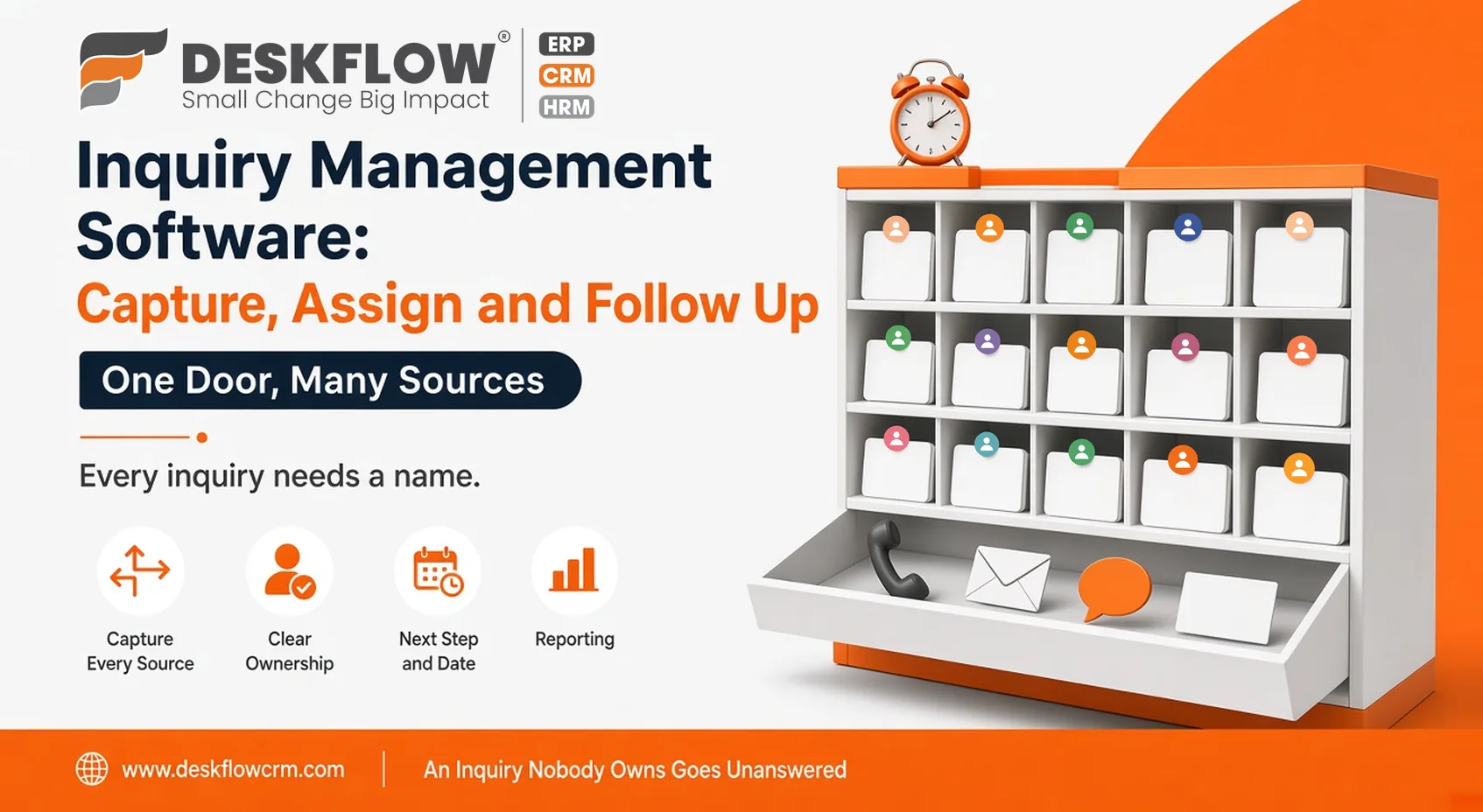
Inquiry Management Software: Capture, Assign and Follow Up
Published by Deskflow CRM on 28 October 2026
A customer calls your office to inquire about a product specification. Another prospect fills out your website contact form. A third potential buyer sends a WhatsApp message right during the busy lunch hour.
These represent three inbound inquiries scattered across three disconnected channels, with zero guarantee that your team will follow up on every single one. Inquiry management software transforms this chaotic communication scatter into a single, organized queue, assigning clear ownership to every single item.
This guide explores the complete lifecycle from initial lead capture to final reporting, detailing exactly what features to evaluate when selecting your system.
Where Inquiries Hide
Most businesses receive inquiries from more places than they realise:
- Phone calls
- Website forms
- WhatsApp messages
- Walk-ins
- Directories and marketplaces
- Cards collected at events
- Referrals
Many of them sit in personal phones and inboxes. The first thing inquiry management software does is show you the real volume, which is often a surprise.
Capture: One Door, Many Sources
The goal is a single record for every inquiry: who they are, what they asked, where they came from and when. Retyping from several places wastes time and loses detail, so look for capture that happens as close to automatically as possible.
Some sources can feed the system directly. DeskFlow CRM’s AI visiting card scan, for instance, turns cards collected at events into records. Whatever the source, keep the same fields every time, so you can sort and compare later. And watch for duplicates, because one buyer who calls and then messages shouldn’t become two inquiries.
Ensuring Accountability: Every Inquiry Needs a Name
An inquiry that nobody explicitly owns is an inquiry that ultimately goes unanswered. To prevent leads from falling through the cracks, establish a clear assignment strategy—routing prospects by geographic region, specific product lines, current staff workload, or a straightforward rotation schedule.
Always configure an automated fallback rule to handle assignments when team members are away on leave. Making ownership visible ensures managers can instantly see who is handling each conversation at a glance, eliminating confusion and preventing multiple team members from accidentally answering the same customer twice.
Mastering Follow-Up: The Second Touch and Beyond
While the initial reply is critical for making a strong first impression, the vast majority of sales deals are unfortunately lost in the silence that follows. To prevent pipeline decay, every single inquiry must carry an assigned next step paired with a specific target date.
Executing consistent reminders and follow-ups transforms that calendar date into an unmissable system prompt, ensuring a hectic work week never overshadows a promising customer.
Furthermore, maintain concise, contextual notes immediately following every interaction. If another team member has to step in or take over the conversation later, the complete communication history remains readily accessible right inside your CRM.
Status, Notes and Hand-Offs
Use a small set of statuses, such as new, contacted, quoted, won, lost and closed, and agree what each means. Record the reason when an inquiry is lost, because patterns in those reasons teach you more than wins do. When a customer asks for a price, hand off smoothly to quotation management, so the quote and the inquiry stay linked.
Reporting: Seeing the Pattern
Once everything is in one place, questions become answerable. How many inquiries arrive from each source? How quickly do we respond? How many follow-ups are overdue? Why do we lose the ones we lose?
Look at what reports your tool offers and whether they answer the questions you actually ask. Two or three numbers watched every week beat a dozen charts nobody opens.
Understanding the Distinction: Inquiry Versus Lead
An inquiry represents the very first signal of interest, whether a prospect asks a quick product question or fills out a website form. A lead is an inquiry that your team has evaluated, verified as worth pursuing, and actively advanced through structured stages toward a closed sale.
Specialized lead management software focuses heavily on qualifying and progressing those high-intent prospects, whereas inquiry management software ensures you catch and route every single incoming message without exception.
While many modern platforms successfully combine both capabilities under one roof, understanding the broader scope of lead management reveals how these vital operational pieces connect. Ultimately, the primary goal is ensuring that no potential customer ever falls through the gap between initial capture and active sales progression.
Six Checks When Choosing
- Which inquiry sources can it capture, and how?
- How flexible are the assignment rules?
- Can follow-ups be scheduled and tracked easily?
- Does it work well on a phone?
- What reporting does it offer on sources and response times?
- How does it handle WhatsApp conversations? Look at how a shared team inbox fits in.
Ask for a demonstration using your own examples. A tool that handles your messy reality is worth more than one that handles a polished script.