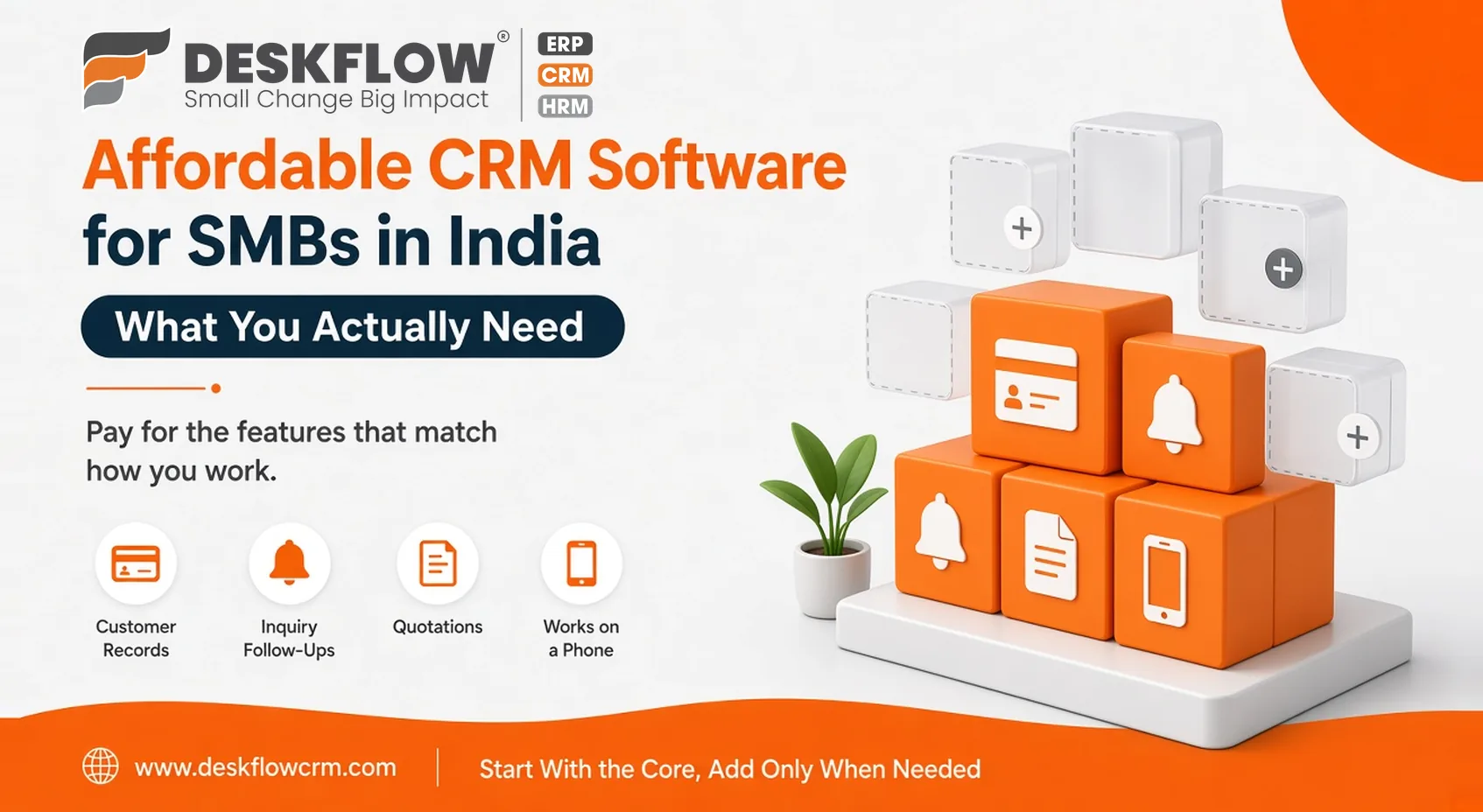
Affordable CRM Software for SMBs in India: What You Actually Need
Published by Deskflow CRM on 28 October 2026
Searching for affordable CRM software for SMB India often reveals vastly different definitions depending on the vendor. Some platforms advertise free tiers loaded with hidden restrictions, while others lure you in with low base rates that quickly escalate through mandatory add-ons.
True value is not about choosing the absolute cheapest tool on the market. Instead, it is about identifying your core operational requirements so you invest only in features that drive growth. Because exact pricing depends heavily on your team size and workflow choices, focus on functionality over price tags to secure a scalable, cost-effective solution.
Redefining True Software Value Beyond the Sticker Price
Evaluating the true cost of a platform goes far beyond its initial sticker price. A more practical financial test measures total expenditures over a one-to-two-year horizon, factoring in mandatory add-ons, implementation effort, and internal staff training, balanced directly against measurable revenue gains and time saved.
In practice, a cheap CRM that your team refuses to adopt is ultimately the most expensive choice on the market. You continue paying subscription fees while still losing valuable leads to disorganization. Sustainable software investment prioritizes long-term adoption and workflow efficiency over superficial upfront discounts.
Needs and Nice-to-Haves
Most small teams need these:
- Customer and contact records in one place
- A way to capture inquiries and follow them up
- Clear ownership of every lead
- Quotations you can create and track
- Simple reports on what’s happening
- A version that works well on a phone
- Support you can reach when something breaks
Most small teams can live without these, at least at first:
- Advanced analytics dashboards
- Complex multi-step automation
- A long list of third-party integrations
- Deep customisation
Be honest about which list your wish list belongs to. Nice-to-haves tend to add cost and complexity before they add value.
Where the Money Really Goes
Look past the headline rate:
- Per-user charges: they grow as the team does.
- Add-ons: features sold separately.
- Setup and training: whether they’re included or charged.
- Data migration: moving contacts in from spreadsheets.
- Customisation: changes that need paid help.
- Connected tools: third-party fees for integrations.
- WhatsApp charges: WhatsApp’s own fees are usually separate from the CRM’s, and they change.
- Your own time: hours spent configuring and learning.
Ask each vendor for the full yearly figure for your team size, in writing.
Evaluating Architecture: All-in-One Suites Versus Modular Flexibility
When selecting a platform, businesses frequently weigh all-in-one packages against modular alternatives. An all-in-one suite offers straightforward initial onboarding, but organizations risk paying for bundled features and modules that their teams never actually utilize.
Conversely, a modular approach empowers growing businesses to launch with essential core functionalities and scale up by purchasing specific add-ons only when operational needs demand them. Both architectural models can deliver exceptional long-term value.
The deciding factor is transparency: you must know precisely which advanced capabilities carry supplementary costs before committing to a contract. For example, DeskFlow CRM provides specialized capabilities like AI Card Scan as transparently priced add-ons, ensuring you only invest in advanced tooling when your workflow requires it.
Assessing the True Cost and Trade-Offs of Free CRM Plans
Free CRM tiers serve as valuable entry points for early exploration, and they can comfortably support very small teams during their initial startup phase. However, evaluating free software requires looking past the zero-dollar price tag to understand the operational trade-offs involved.
Standard limitations of free software typically include strict caps on active user seats, total contact records, and access to automated workflows or reporting tools. A detailed comparison of a free CRM vs paid CRM highlights precisely where those operational limits usually bite and how they impact daily productivity.
As your company expands, the eventual friction and data migration costs of transitioning to a paid system can outweigh initial savings. Understanding where these platform boundaries restrict growth helps you determine whether a free tool is a sustainable foundation or merely a temporary stepping stone for your business.
A Budget Worksheet in Five Steps
- List your needs, using the list above and removing anything you can’t justify.
- Get yearly costs from two or three vendors for your actual team size, in writing.
- Add the extras: add-ons, setup, training and any connected tools.
- Estimate your time: how many hours the team will spend learning and configuring.
- Compare with today’s leaks: think about the inquiries lost and follow-ups forgotten under your current process.
The last step matters most. A tool that costs a little more but stops a few good leads slipping away can be the better deal.
Match the Tool to the Team
A team that lives on inquiries and quotes needs strong inquiry management and quotation tools. A team that sends people out to meet customers may value pin-to-pin location tracking. A business that also manages buying may care about purchase order management. Pay for the features that match how you work, not the ones that look impressive.
Where DeskFlow CRM Fits In
You can see what’s included under DeskFlow CRM features. For a ranked comparison of options, there’s a roundup of the best CRM solution for SMBs, and for the broader selection process, the thinking behind choosing CRM software for small business applies here too.