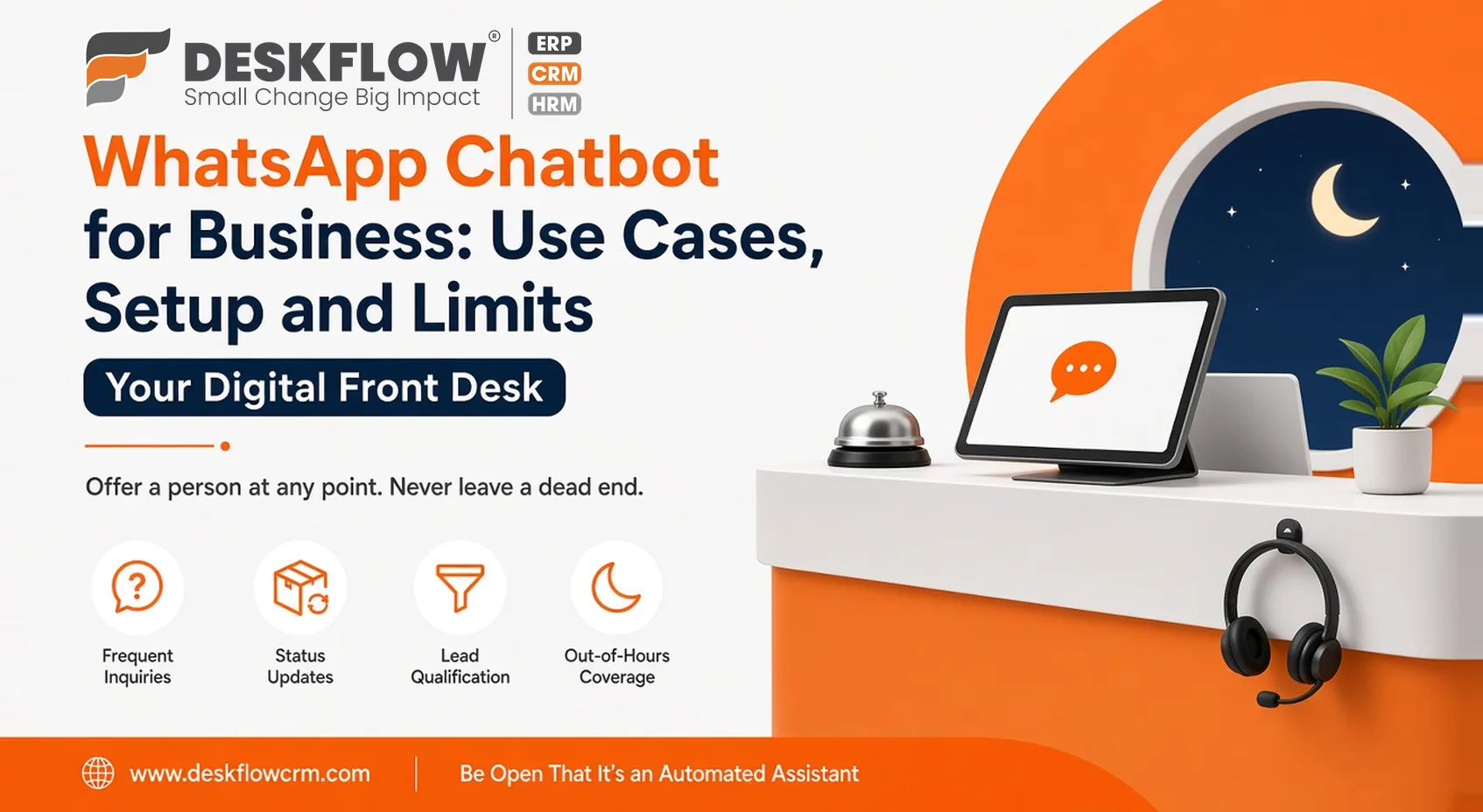
WhatsApp Chatbot for Business: Use Cases, Setup and Limits
Published by Deskflow CRM on 28 October 2026
When a prospective customer sends a midnight inquiry regarding product availability, waiting until morning for a response can lead to a missed opportunity. Deploying a structured WhatsApp chatbot for business allows organizations to answer routine questions instantly while seamlessly transferring complex conversations to human agents whenever necessary.
When executed thoughtfully, this automation preserves valuable staff time and eliminates frustrating delays for your audience. However, poorly configured systems risk trapping users in rigid, inescapable menus that degrade the brand experience.
This guide explores high-value use cases, strategies for designing intuitive conversation flows, best practices for human handoff protocols, and the critical operational limits every organization must respect.
High-Impact Use Cases for Business Chatbots
Initial Contact and Intent Capture
A business chatbot acts as your digital front desk, instantly welcoming inbound prospects and capturing their core intent before a human team member steps in. Gathering these foundational details immediately establishes clear expectations and sets up a smooth handoff.
Resolving Frequent Inquiries
Chatbots excel at handling predictable, repetitive questions such as store locations, business hours, and general product availability. Automating these standard queries eliminates friction for customers while freeing up valuable time for your support staff.
Providing Real-Time Status Updates
Keep clients informed by automating updates for active orders, service appointments, or scheduled facility visits. Proactive status notifications significantly reduce the volume of repetitive check-in inquiries sent to your team.
Sending Automated Reminders
Utilize pre-approved message templates to dispatch timely reminders for upcoming appointments, renewals, or critical follow-ups. This proactive communication reduces scheduling friction while strictly complying with platform messaging guidelines.
Executing Preliminary Lead Qualification
For sales pipelines, a chatbot can guide prospective buyers through a quick sequence of qualifying questions. This process segments high-intent leads instantly, enabling your sales reps to prioritize outreach efficiently.
Securing Out-of-Hours Coverage
Automated assistants maintain 24/7 responsiveness by acknowledging nighttime messages and informing users when live agents return. Ultimately, chatbots deliver the strongest return on investment when deployed for short, predictable answers.
Sketching a Conversation Flow
Before building anything, draw the conversation on paper:
- Greet and set expectations. Say it’s an automated assistant and what it can help with.
- Offer a few clear options. Three to five choices is plenty.
- Ask only what you need. Every extra question loses people.
- Confirm what you understood. A quick recap prevents wrong answers.
- Give the answer or collect the details.
- Offer a person at any point. Never leave a dead end.
Then walk through it as a customer who is confused, in a hurry or annoyed. If the flow survives, it’s ready for real messages.
Writing Messages That Sound Human
Use short sentences and everyday words. Avoid jargon and long paragraphs, because people read WhatsApp on the move. Use the customer’s name if you have it. Don’t pretend to be a person. A friendly, honest tone works better than a forced one.
Handoff to Humans, Done Properly
Decide the triggers in advance: the customer asks for a person, the bot fails to understand twice or the topic is sensitive, such as a complaint or a payment problem.
When the handoff happens, the team should see the whole conversation, so the customer doesn’t repeat themselves. A shared team inbox is where those conversations should land, with a clear owner. Outside working hours, say when someone will reply. A promise you can keep is better than a fast reply that goes nowhere.
Limits and Policy
WhatsApp has rules for business messaging, and they can change, so check the current policy before launch. In general:
- Message people who have agreed to hear from you, and keep a record.
- Respect opt-outs straight away.
- Messages you start, outside a recent customer conversation, usually need approved templates.
- Poor-quality messaging can restrict what you’re allowed to send.
- Don’t ask for or send sensitive details casually.
- Be open that the customer is talking to an automated assistant.
Chatbots can also misunderstand. Review real conversations regularly and fix the places where people get stuck.
Chatbot and Marketing Together
A chatbot handles conversations. Marketing is about reaching groups of customers. A WhatsApp marketing CRM ties the two together: announcements go out to opted-in lists through bulk broadcast messaging, and replies land in your shared team inbox for your human team to handle. Keep marketing messages relevant and infrequent. A customer who feels spammed will leave the conversation, and may report it.
How to Judge Whether It’s Working
Track how often customers get their answer without a person, how often they ask for one and how long first replies take. Look at conversations where people gave up. Also watch for complaints. If people keep asking for a human, the flow needs work, not more cleverness.
Where DeskFlow CRM Fits In
DeskFlow CRM includes a WhatsApp shared team inbox for the human side of conversations and WhatsApp bulk broadcast messaging for announcements. If you are planning to deploy a chatbot alongside the CRM, ask the team how an external chatbot tool can connect into your shared inbox. For the wider picture of how WhatsApp fits into daily work, see WhatsApp CRM for business.