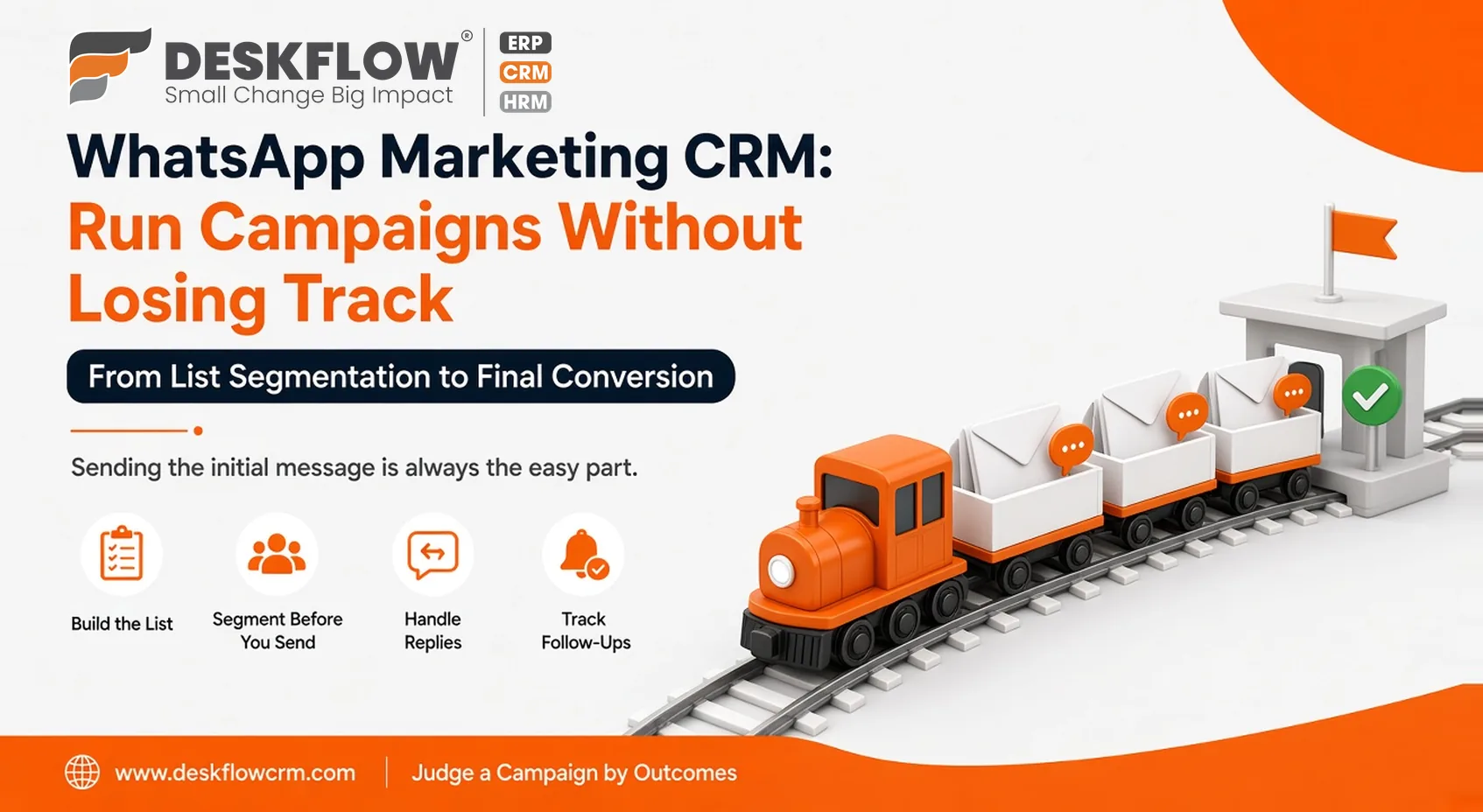
WhatsApp Marketing CRM: Run Campaigns Without Losing Track of Leads
Published by Deskflow CRM on 28 October 2026
Launching a Monday morning broadcast to your audience feels productive until replies begin trickling in across multiple mobile devices, pricing requests get overlooked, and internal team members lose track of active conversations. Dispersed communication makes managing inbound interest chaotic. Sending the initial message is always the easy part.
A specialized WhatsApp marketing CRM bridges this gap by managing everything that happens after you press send. It tracks engagement metrics, records customer preferences, identifies hot prospects requiring follow-up calls, and attributes leads directly to specific marketing campaigns.
This guide walks through an entire campaign lifecycle from list segmentation to final conversion, ensuring your team captures every opportunity instead of losing leads in the noise.
Build the List the Right Way
A campaign is only as good as the list behind it. Collect contacts from places where people have chosen to hear from you: sign-up forms, in-store requests, customers who messaged you first and event visitors who agreed to updates. Record where each contact came from and when they agreed.
Don’t buy lists, and don’t add people just because you have their number. Keep opt-outs in the same system so they’re honoured every time.
Segment Before You Send
One message to everyone feels efficient and performs badly. Group contacts by something that makes a message relevant: the product they asked about, their location, whether they’re new or existing customers, or how recently you spoke. Three or four groups are plenty to start.
Each group should hear something that fits it. A customer who bought last month needs a different message from one who asked for a quote and went quiet.
Crafting Engaging Messages That Drive Customer Responses
Focusing on Clarity and Simplicity
Writing effective broadcast messages requires strict conciseness. Focus every message on a single, well-defined idea and guide the recipient toward one clear next step. Avoid crowded punctuation, excessive emojis, and overwhelming walls of text that cause readers to scroll past.
Personalizing Your Outreach
Whenever possible, use the customer's actual name to create an immediate, human connection. Clearly articulate your core offering within the first few lines and explain precisely how they can reply to keep the momentum going.
Navigating Meta Compliance Rules
Meta enforces strict guidelines for business-initiated conversations, which typically require you to use pre-approved message templates. Because platform policies evolve frequently, always review current regulatory standards before finalizing a campaign format to protect your sender reputation.
Managing Campaign Timing, Pacing, and Delivery Limits
Selecting Optimal Delivery Windows
Timing dictates whether your broadcast gets read or ignored. Schedule your messages during peak hours when recipients are naturally active, avoiding late nights or disruptive early mornings.
Starting with Controlled Test Batches
Always launch new campaigns with a small, segmented test group first. This initial rollout helps you catch formatting errors, broken links, or tracking issues before broadcasting to your entire audience.
Protecting Your Sender Reputation
Never flood the exact same contacts with weekly promotional broadcasts. Over-messaging turns genuine customer interest into frustration, and rising complaint rates can trigger platform restrictions that limit your future messaging privileges.
Handling Inbound Replies: Where Campaigns Succeed or Fail
The send is the beginning. The replies decide whether the campaign worked. Every reply needs an owner and a timely answer, and that’s hard when messages land on personal phones.
A WhatsApp shared team inbox puts replies in one place where the team can see and assign them. Agree on a reply target, such as the same working day, and give someone responsibility for checking the queue. A campaign that gets replies nobody answers is worse than no campaign.
Tracking Follow-Ups
Every person who replies with interest becomes a lead. Record the campaign they came from, what they asked and the next step with a date. Then set reminders and follow-ups, so the second conversation happens even when the day gets busy.
Tag leads by campaign. Without that, you’ll know you got replies but not which message earned them.
Measuring Results
Judge a campaign by outcomes, not by how many messages left your system. Useful measures include:
- Replies received
- New inquiries created from those replies
- Follow-ups completed
- Quotes or conversations that moved forward
- Opt-outs and complaints
Compare campaigns using their tags, and look at what your reports can show you about activity and results. Be careful not to over-read small numbers. A single campaign tells you little. A pattern over several tells you a lot.
A Campaign Brief
Before each campaign, write down:
- The goal, in one sentence
- The segment and where the contacts came from
- The message and the next step you’re asking for
- Who answers replies and by when
- How you’ll tag leads
- How you’ll judge success
Centralizing WhatsApp Campaigns and Team Collaboration with DeskFlow CRM
DeskFlow CRM streamlines your entire outreach operation by combining bulk broadcast messaging for fully opted-in contacts with a collaborative shared team inbox for managing incoming replies. This unified environment also incorporates automated reminders and detailed performance analytics, ensuring no lead falls through the cracks.
When comparing different WhatsApp CRM software, utilize a structured feature checklist before making your final software decision. Always request live product demonstrations from each prospective vendor to see how seamless campaign creation and live reply management operate together in real-world scenarios.