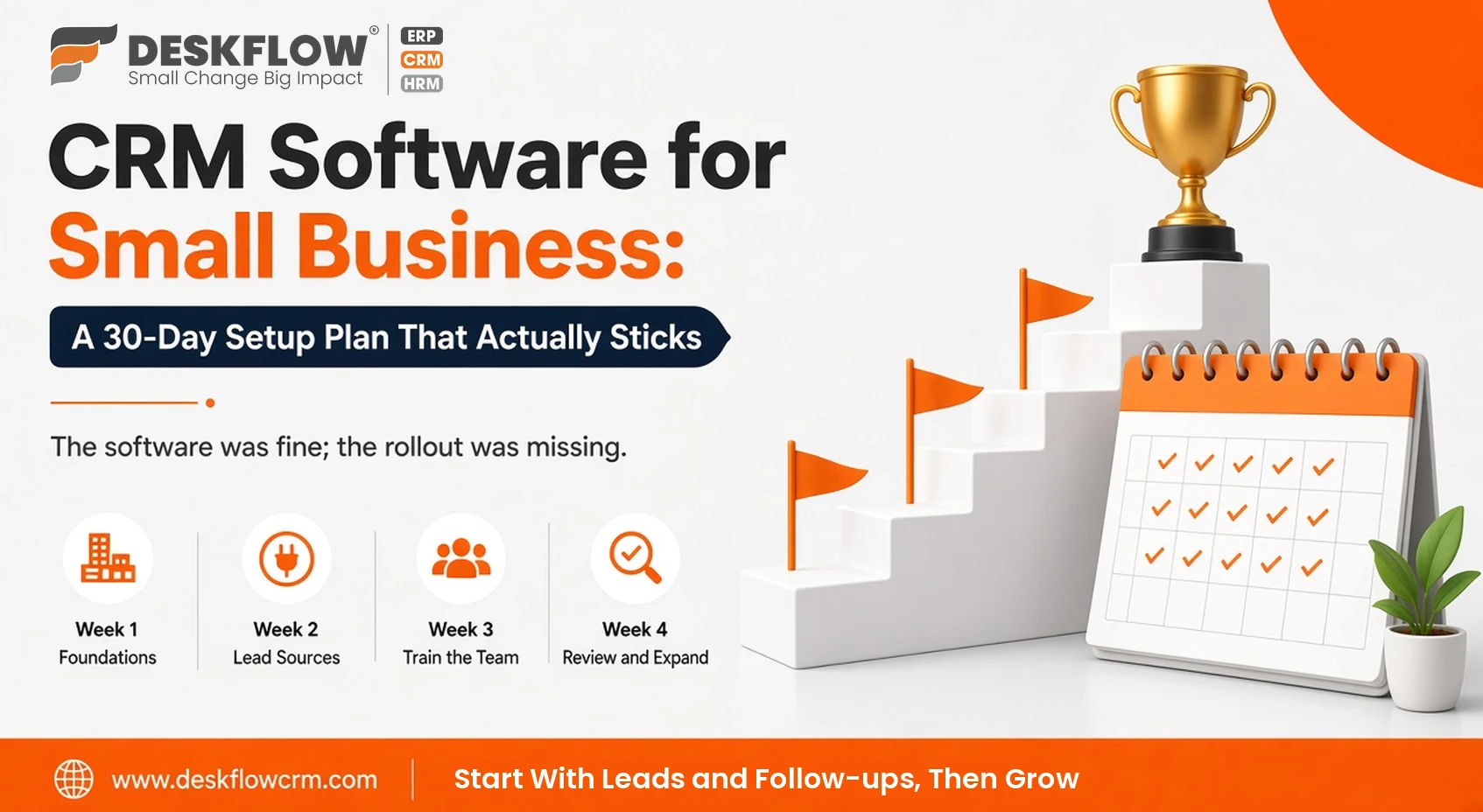
CRM Software for Small Business: A 30-Day Setup Plan That Actually Sticks
Published by Deskflow CRM on 14 October 2026
Most small businesses do not fail at choosing CRM software. They fail at the first month after buying it. The owner signs up with enthusiasm, a few contacts get added, and within weeks the team drifts back to notebooks, Excel and personal WhatsApp. The software was fine; the rollout was missing.
If you are still comparing options, start with our guide to choosing CRM software for small business and our list of the best CRM software for small businesses in India. This article picks up where those end: a practical 30-day plan to get a small team using a CRM every day.
Before Day 1: Decide What "Success" Means
Write down two or three results you want within 90 days. For example: every enquiry gets a reply within two hours; no quotation goes without a follow-up; you can see monthly sales by salesperson without asking anyone. These goals decide which features you set up first.
Week 1: Foundations
- Day 1–2: Company setup. Add your business details, logo, tax settings and user accounts with the right access rights.
- Day 3: Clean your data. Gather customer and lead lists from Excel, phones and old software. Remove duplicates and standardise mobile numbers.
- Day 4: Import. Use Excel import to load contacts. Deskflow CRM prevents duplicate contacts by mobile number.
- Day 5: Define stages. Keep the pipeline short, for example New, Contacted, Quoted, Negotiation, Won, Lost.
- Day 6–7: Products and prices. Add your product or service master and price list so quotations are consistent.
Week 2: Connect Your Lead Sources
- Connect portals and ads such as IndiaMART, TradeIndia, Justdial, Facebook leads, Google Maps and Google Sheets through integrations.
- Route every new enquiry into the inquiry list with an owner.
- If WhatsApp is your main channel, plan the move to the WhatsApp Cloud API so chats stop living on personal phones.
- For walk-ins and events, start using AI card scan for visiting cards.
Week 3: Train the Team and Build Habits
- One short session per role. Sales staff need leads, follow-ups and quotations; accounts need invoices and payments.
- Install the mobile app for everyone who works away from a desk.
- Agree three daily habits: log every new enquiry, set a next follow-up on every open lead, and update the stage after every conversation.
- Use reminders so the CRM tells people what to do each morning.
Deskflow offers onboarding sessions, video tutorials and software training to support this week.
Week 4: Review, Fix and Expand
- Check the reports: overdue follow-ups, leads by source and quotes pending.
- Ask each user what slows them down and remove unnecessary fields.
- Add one new module only when the basics are working, such as quotations, attendance or inventory.
- Hold a 15-minute weekly pipeline review from now on.
The 30-Day Checklist
| Item | Done when |
|---|---|
| Users and access rights | Everyone can log in and sees only what they should |
| Contacts imported | No duplicates, numbers in one format |
| Pipeline stages | Five to seven clear stages agreed |
| Lead sources connected | New portal and ad leads arrive automatically |
| Products and prices | Quotations built from the price list |
| Mobile app | Installed for all field and sales staff |
| Daily habits | Every open lead has a next follow-up date |
| Weekly review | Scheduled and happening |
Mistakes That Kill Small Business CRM Adoption
- Too many fields. If adding a lead takes two minutes, people stop doing it.
- The owner not using it. If the owner still asks for updates on the phone, the team learns the CRM is optional.
- Turning everything on at once. Start with leads and follow-ups, then grow.
- No consequence for skipping it. Make "if it is not in the CRM, it did not happen" the rule.
New to CRM altogether? Read CRM basics for small business and smart sales and lead management for small teams.