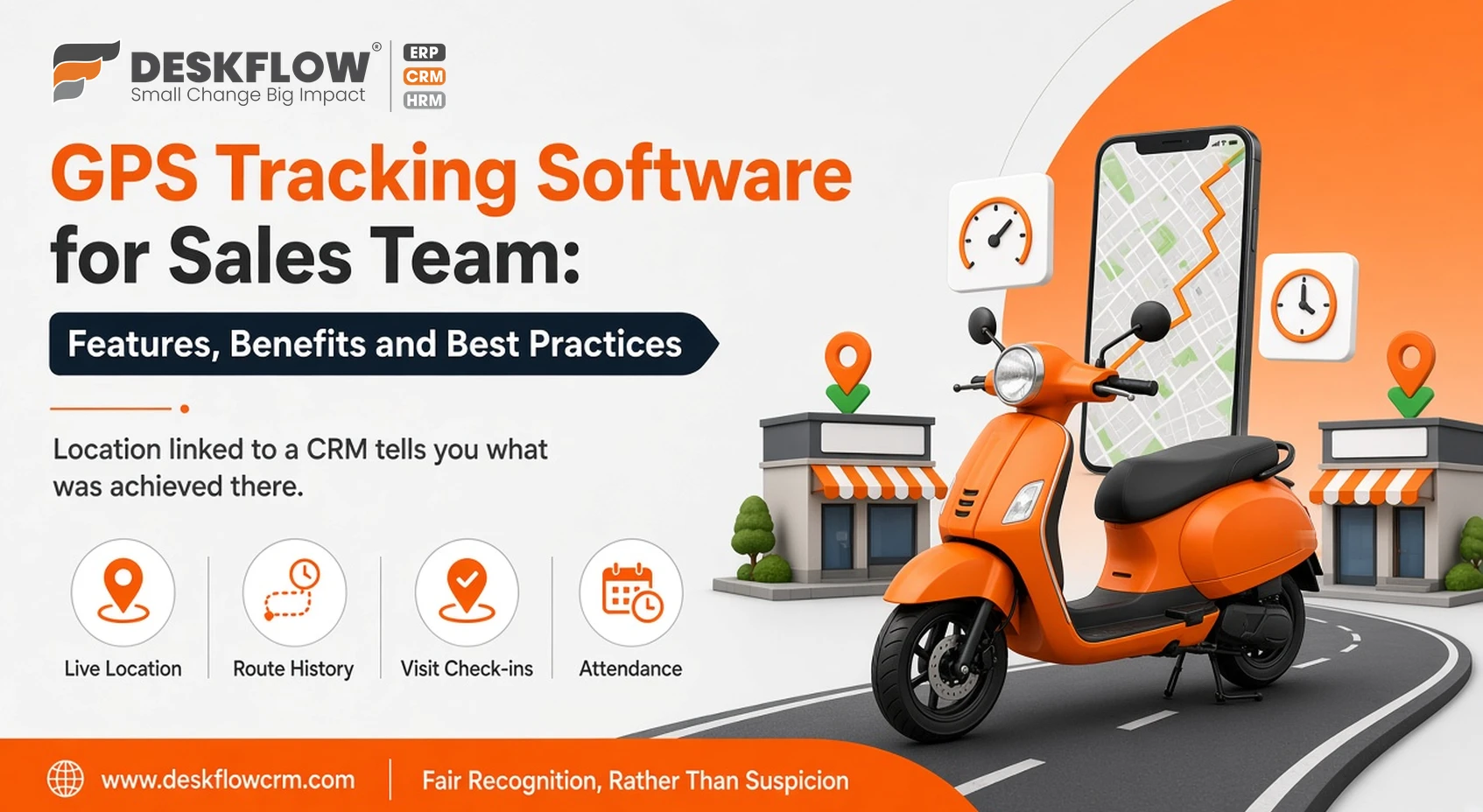
GPS Tracking Software for Sales Team: Features, Benefits and Best Practices
Published by Deskflow CRM on 10 October 2026
When your sales team works in the field, most of what happens is invisible from the office. Did the salesperson visit the planned dealers? How long did each meeting take? Is the travel claim accurate? Phone calls and end-of-day reports are slow and easy to fudge, and genuine hard work goes unrecognised.
GPS tracking software for a sales team links location data to visits, customers and outcomes, so managers see what happened and salespeople get credit for it. This guide covers what to look for and how to introduce it fairly. Deskflow's version is described on our pin-to-pin location tracking page.
What GPS Tracking Software Does
- Live location: see where field staff are during working hours.
- Route history: review the path taken from start point to each visit.
- Distance and time: record kilometres travelled and time spent.
- Visit check-ins: log customer visits with location, linked to the CRM record.
- Attendance: mark start and end of day from the field.
Standalone Tracker vs CRM-Integrated Tracking
| Standalone GPS app | GPS inside a CRM | |
|---|---|---|
| Shows where staff went | Yes | Yes |
| Shows which customer was visited | Rarely | Yes, linked to the lead or account |
| Shows the visit outcome | No | Yes: notes, orders, quotations, follow-ups |
| Connects to expenses and attendance | Sometimes | Yes, in one system |
Location alone tells you where someone was. Location linked to a CRM tells you what was achieved there.
Features to Look For
- Accurate, battery-friendly tracking on both Android and iOS.
- Visit management with location, notes and outcomes.
- Route planning so visits are sequenced efficiently.
- App-based attendance with location at check-in.
- Expense claims supported by travel data.
- Field order booking through order management and quotations.
- Reports on visits, distance and productivity.
- Payroll connection: attendance feeding salary calculations. Read how attendance and payroll work together.
Benefits for Managers and Salespeople
- Accountability: confirmed visits instead of verbal claims.
- Lower travel costs: better routes and verifiable fuel claims.
- More customer coverage: spot neglected areas and accounts.
- Fair recognition: high performers' effort is visible.
- Safety: managers know where staff are when travelling alone.
Privacy and Best Practices
- Tell employees clearly what is tracked, when and why, and include it in a written policy.
- Track during working hours only, not personal time.
- Use the data to coach and plan routes, not just to punish.
- Limit access to location data to the managers who need it.
- Follow applicable data protection laws, including India's Digital Personal Data Protection Act.
Industries That Benefit Most
GPS tracking is valuable wherever sales happen on the road: FMCG distribution, manufacturing dealer networks, real estate site visits, logistics surveys, solar installations, agro businesses and home and office services.
Deskflow CRM's GPS Tracking
Deskflow CRM includes visit-to-visit GPS location tracking, field visits with location, route planning, app attendance and team expense management on the Gold and Diamond plans, with leave, penalties and payroll on Diamond. Everything sits alongside leads, quotations, orders and WhatsApp in one platform. Compare plans on our pricing page.
Rolling Out GPS Tracking Smoothly
- Explain the purpose to the team and share the written policy.
- Install the app on staff phones and check location permissions.
- Run a two-week pilot with a few salespeople and review the data together.
- Set clear expectations for daily visits and check-ins.
- Review reports weekly and use them in coaching conversations.
Teams that see tracking as a tool for fair recognition, rather than suspicion, adopt it faster and keep using it.