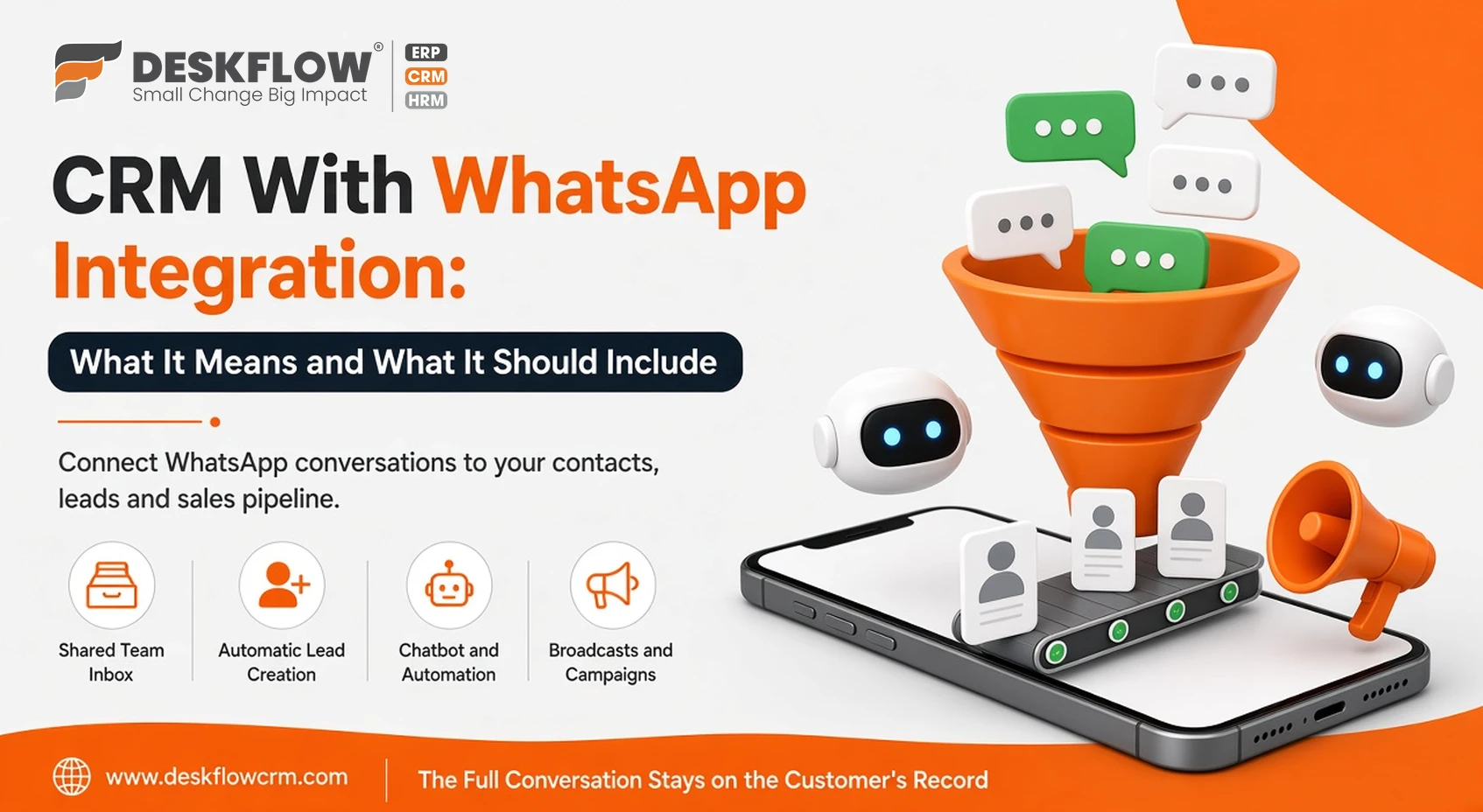
CRM With WhatsApp Integration: What It Means and What It Should Include
Published by Deskflow CRM on 12 October 2026
In India, WhatsApp is where customers ask questions, request quotes, confirm orders and complain. Yet for many businesses, those conversations live on individual staff phones, disconnected from the customer's record. When a salesperson leaves, so does the chat history. When a manager wants to know how many enquiries came in on WhatsApp last month, nobody can say.
A CRM with WhatsApp integration fixes that by connecting WhatsApp conversations to your contacts, leads and sales pipeline. But "WhatsApp integration" can mean very different things. This guide explains the options and what a strong integration should include. See Deskflow's WhatsApp Cloud API platform for our solution.
WhatsApp Business App vs WhatsApp Business Platform
| WhatsApp Business app | WhatsApp Business Platform (API) | |
|---|---|---|
| Users | One phone plus a few linked devices | Many team members through software |
| Automation | Basic quick replies and greetings | Chatbots, workflows and CRM triggers |
| Broadcasts | Limited to contacts who saved your number | Approved template messages to opted-in contacts |
| CRM connection | Manual | Conversations linked to CRM records |
A real CRM integration is built on the WhatsApp Business Platform, usually through Meta's Cloud API. Learn how to connect the WhatsApp Business API.
Features a WhatsApp CRM Should Include
1. Shared team inbox
Several agents reply from one business number, with conversations assigned and visible to managers. See the WhatsApp shared team inbox.
2. Automatic lead creation
New WhatsApp contacts should become leads in the CRM automatically, with source tracking, so nothing depends on manual entry.
3. Chatbot and automation
A chatbot builder answers FAQs, collects requirements and routes qualified leads to the right person, even outside office hours.
4. Broadcasts and campaigns
Send offers, launches and reminders with bulk broadcast messaging using approved templates, segmented by CRM data.
5. Catalog, forms and booking
Show products with a WhatsApp product catalog, collect structured details through interactive forms and let customers book slots via appointment booking.
6. Click-to-WhatsApp ads
Click-to-WhatsApp ads on Facebook and Instagram open a chat directly, and the CRM records the lead and its campaign source.
7. Other channels in the same inbox
Many customers also reach out on Instagram, Messenger or Telegram. Handling them together keeps the customer view complete.
WhatsApp Rules Every Business Should Know
- Opt-in: businesses should collect customers' permission before sending them messages.
- Templates: business-initiated messages outside an active conversation must use templates approved by Meta.
- Service window: after a customer messages you, you can reply freely within a limited window; after that, a template is needed.
- Charges: Meta charges for certain message types, separately from your CRM subscription. Check current Meta pricing and our WhatsApp marketing pricing.
- Quality: spammy or unwanted messages can lead to blocks and lower sending limits.
How WhatsApp and CRM Work Together
- A customer clicks an ad or messages your number.
- The chatbot greets them and collects their requirement.
- The CRM creates a lead and assigns it to a salesperson.
- The salesperson shares a quotation and sets a follow-up.
- Confirmations, invoices and payment reminders go out on WhatsApp.
- The full conversation stays on the customer's record.
Going Further With AI
Deskflow also offers WhatsApp AI voice calling and visiting card scanning via WhatsApp, which bring calls and exhibition contacts into the same CRM.
Why Deskflow CRM
Deskflow CRM combines a full CRM, sales and inventory tools with WhatsApp Cloud API features in one platform. The official WhatsApp API integration is available as an add-on on our pricing page.